AI Video Recast
Reimagine a video with your character images.
Find your next starring role
Find a performance you like, choose a template, then add character images.
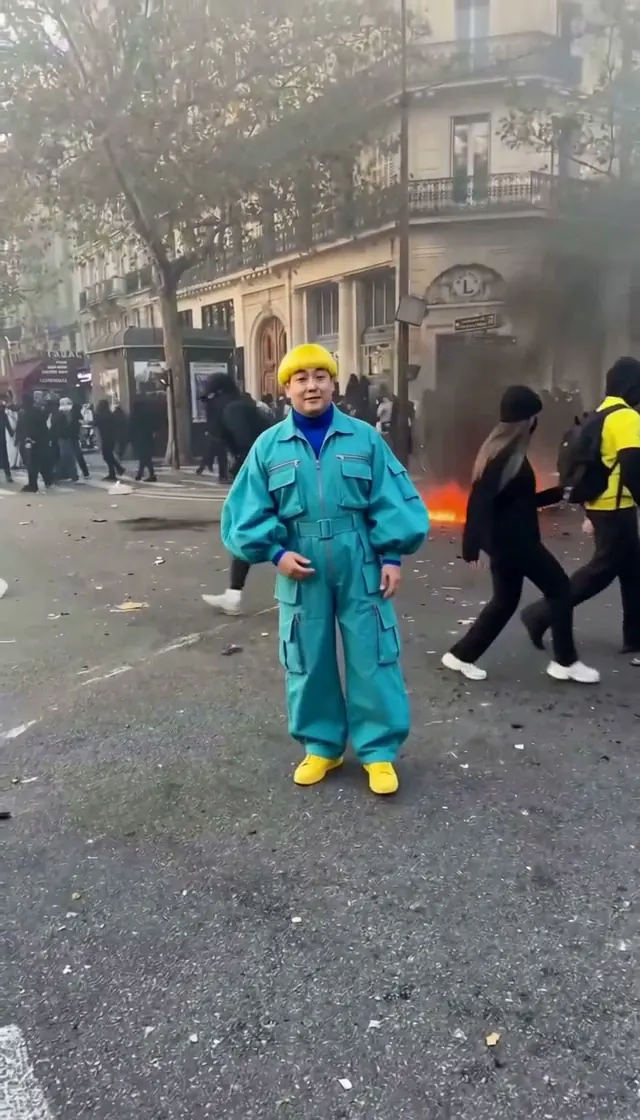
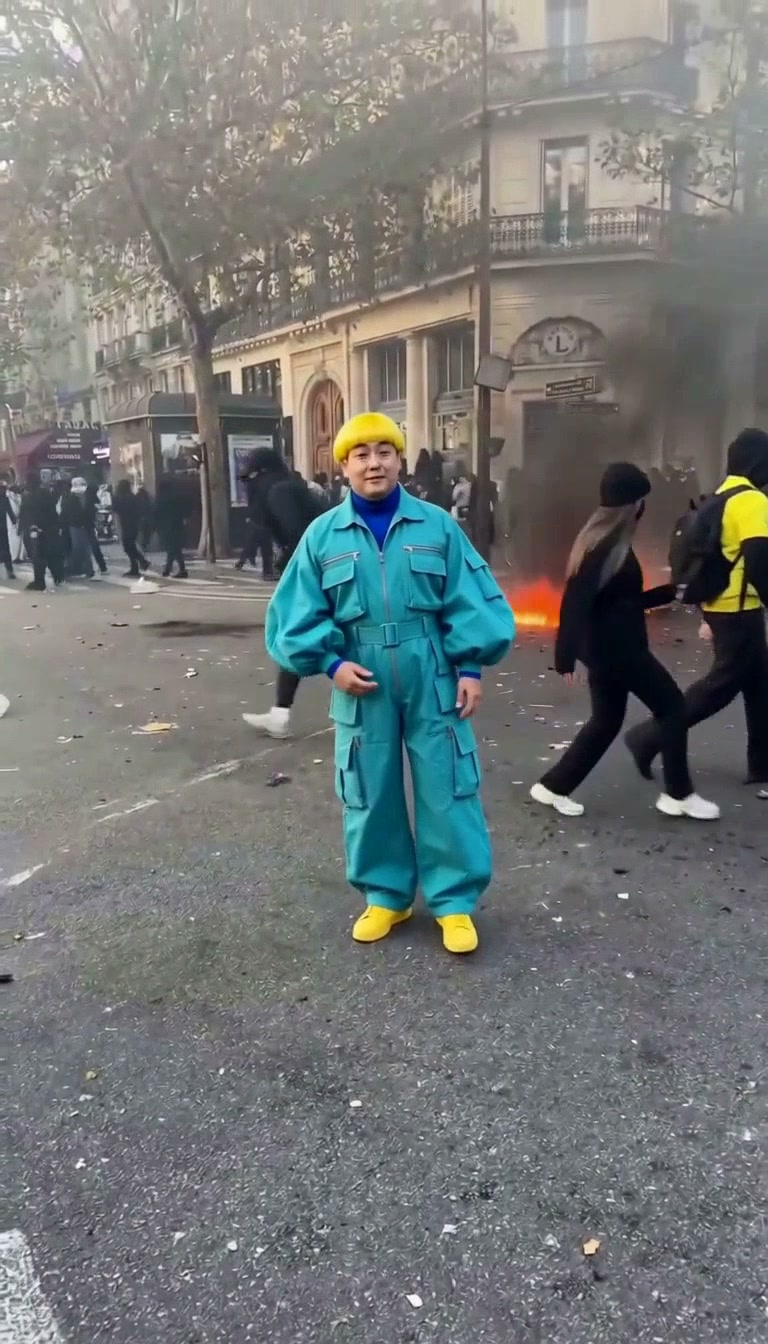
Street Dance
14s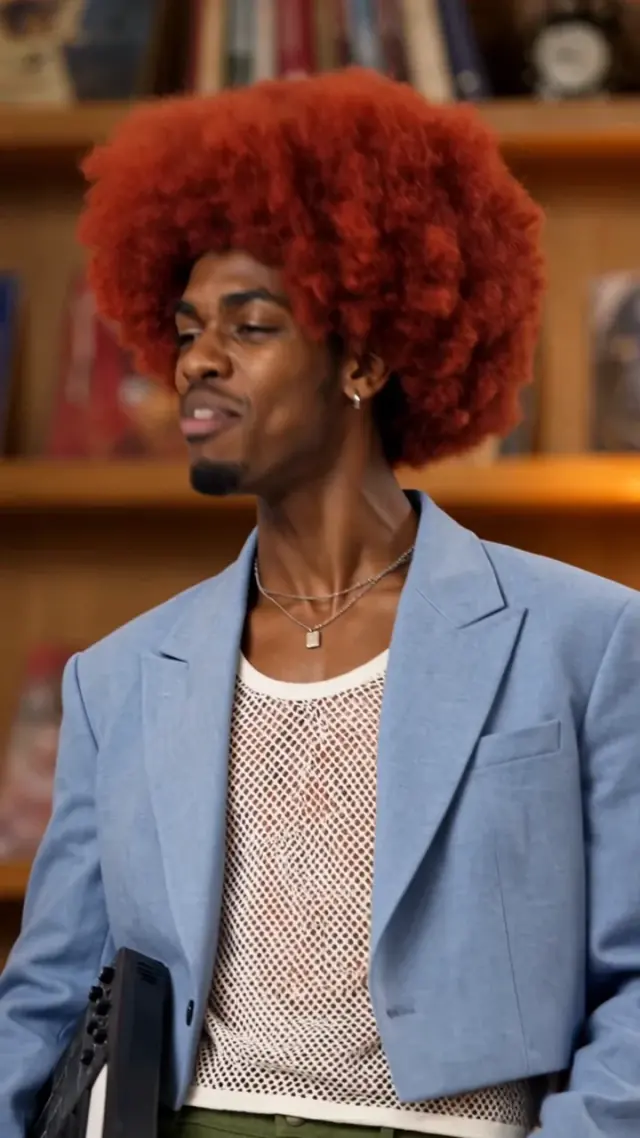
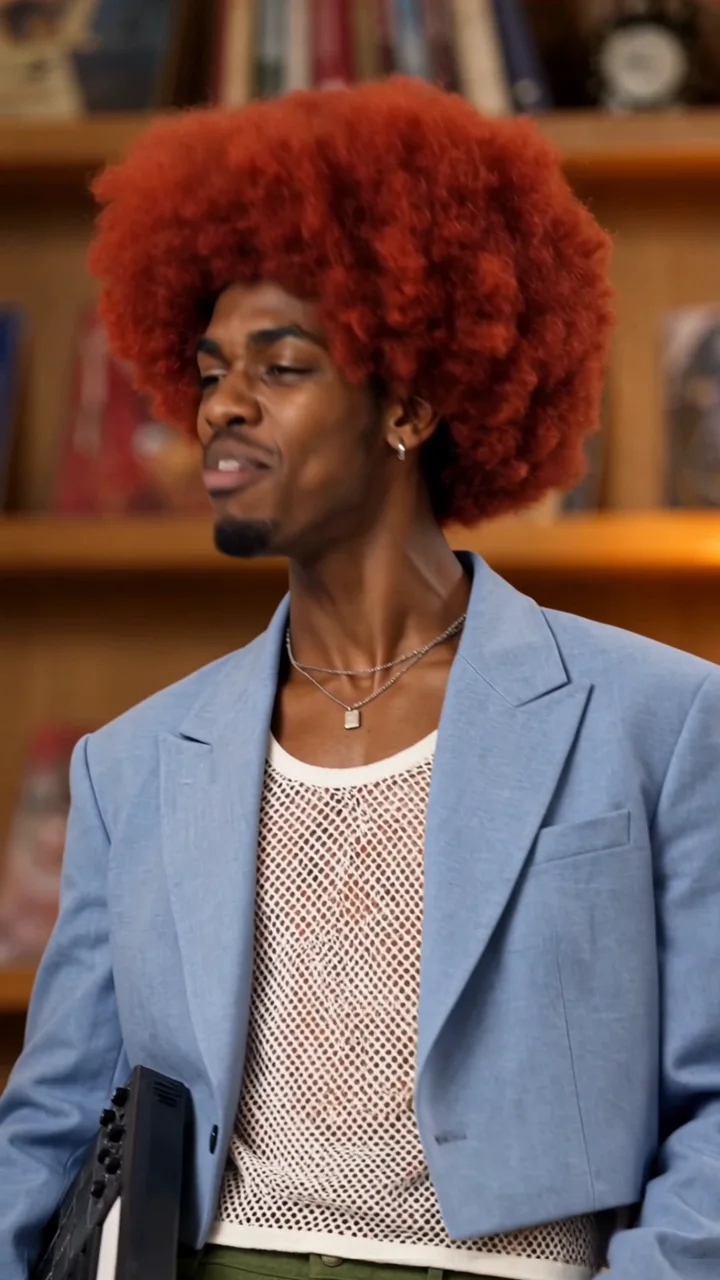
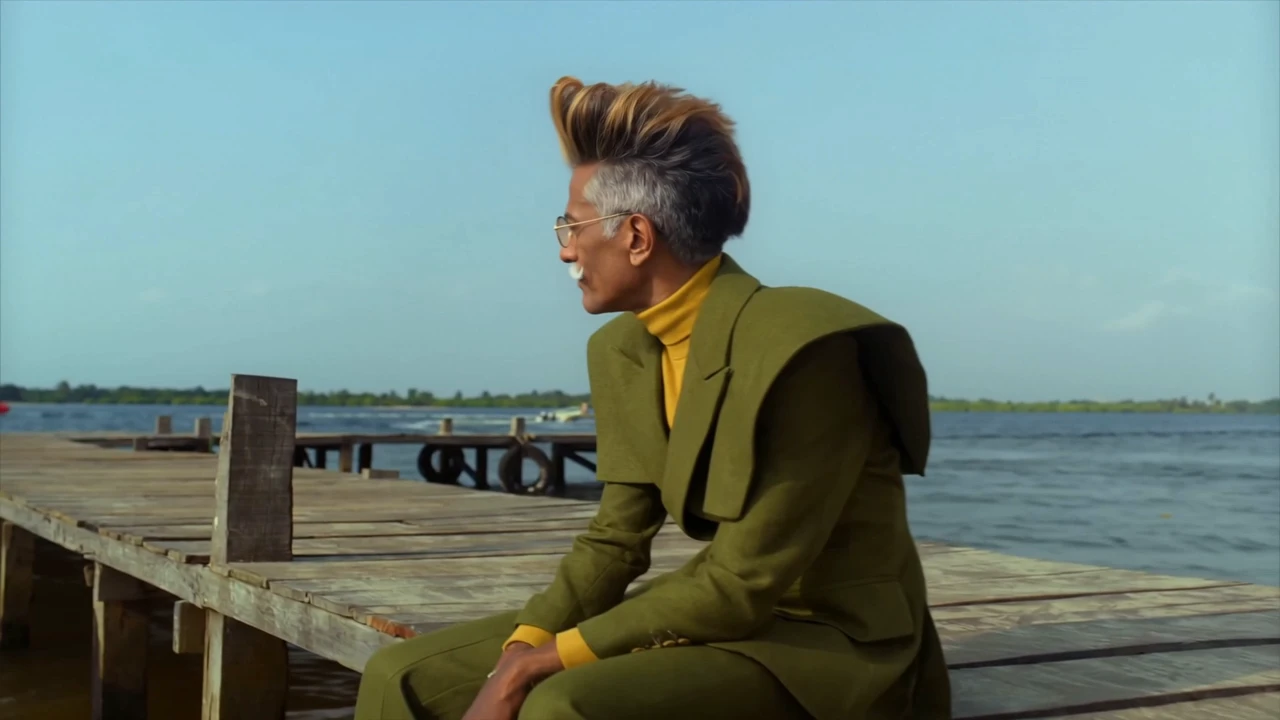
Tiny Desk AI
19s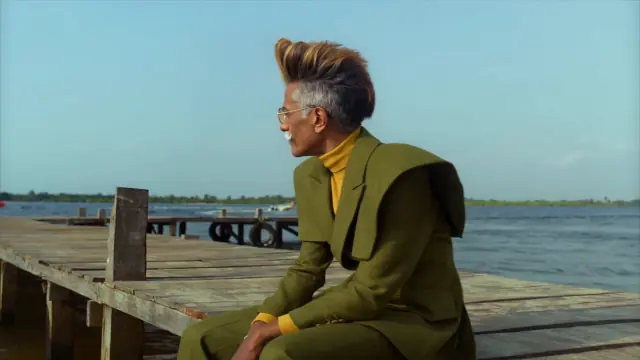
Raindance
28s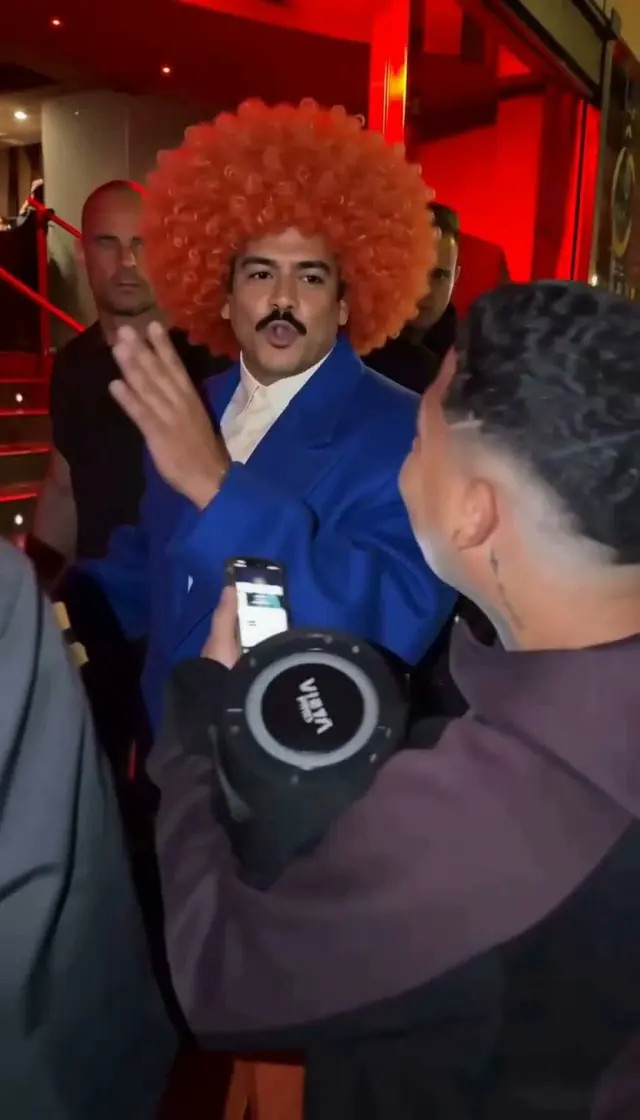
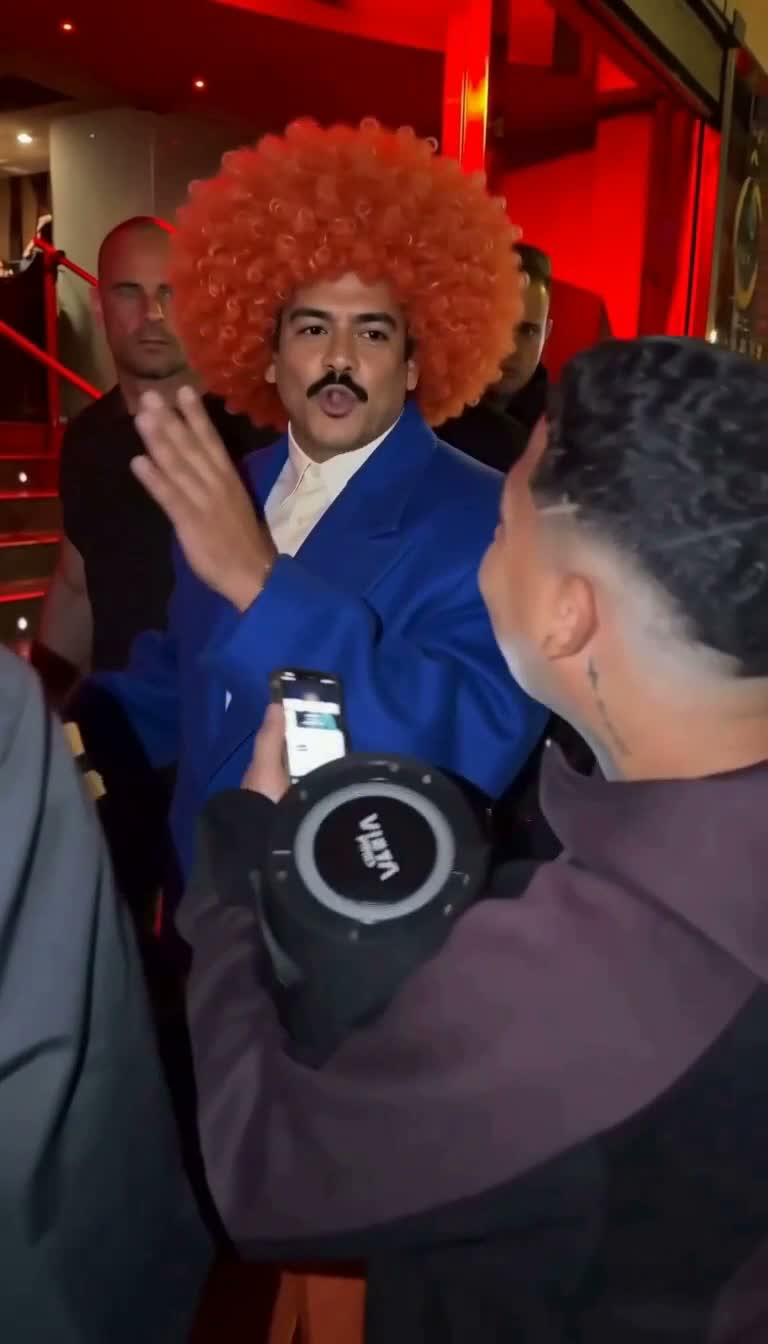
Bulin 47
15s
Burning Bridges
15s
Hotel Lobby
15s

Zombie Love Story
15sVideo Recast
AI Video Recast with Character Images
Upload character images to create a new AI performance based on a reference video. Video Recast keeps the original sound and follows its movement, camera shots and pacing. Use fictional character images or photos of consenting adults.
Start replacing peopleSee a character step into a video
Play both clips to see the change.
Examples are illustrative; appearance, movement and lip sync can vary.
What to upload
Source video
MP4 · 5–15 sec
Character images
1–4 images · one per role
Before creating
Review the credit quote
Who appears in the video?
Use one character image for each role you want to replace. Images are matched from left to right by default. For several people or changing shots, describe who should replace whom. AI may also change hair, clothing and the body, so faces, movement and lip sync can differ from the photos or original clip. You cannot manually adjust each person shot by shot.
Will the original sound and movement stay?
Video Recast keeps your original video sound and follows its movement and camera shots. In the Hotel Lobby template, choose Normal to keep the template sound; other music styles create new sound and a new performance. A silent original stays silent when its sound is preserved. For image-to-video creation, check the sound options shown for that feature.
Start with your clip or a two-person template
For your own video, choose Video Recast in the workbench above. To try a ready-made two-person scene, choose Hotel Lobby or Zombie Love Story. Sign in to use account credits for any of these options. You can also buy a template video pack, which works only with the template you bought it for and cannot be exchanged for credits.
Choose your creation plan.
Choose a plan for your AI videos and images, or top up when you need to.
Starter
$9.90/ month
Monthly
700credits / month
- Issued monthly; unused monthly credits expire
- Auto-renews. Cancel anytime.
- Image-to-video, Video Recast, image creation and supported templates
- Video credits depend on the model, length and quality. Review your quote before generating.
Creator
At the Starter credit rate$25.46
$24.90/ month
Monthly
Save $0.56 (2%)
1,800credits / month
- Issued monthly; unused monthly credits expire
- Auto-renews. Cancel anytime.
- Image-to-video, Video Recast, image creation and supported templates
- Video credits depend on the model, length and quality. Review your quote before generating.
Studio
At the Starter credit rate$67.89
$59.90/ month
Monthly
Save $7.99 (12%)
4,800credits / month
- Issued monthly; unused monthly credits expire
- Auto-renews. Cancel anytime.
- Image-to-video, Video Recast, image creation and supported templates
- Video credits depend on the model, length and quality. Review your quote before generating.