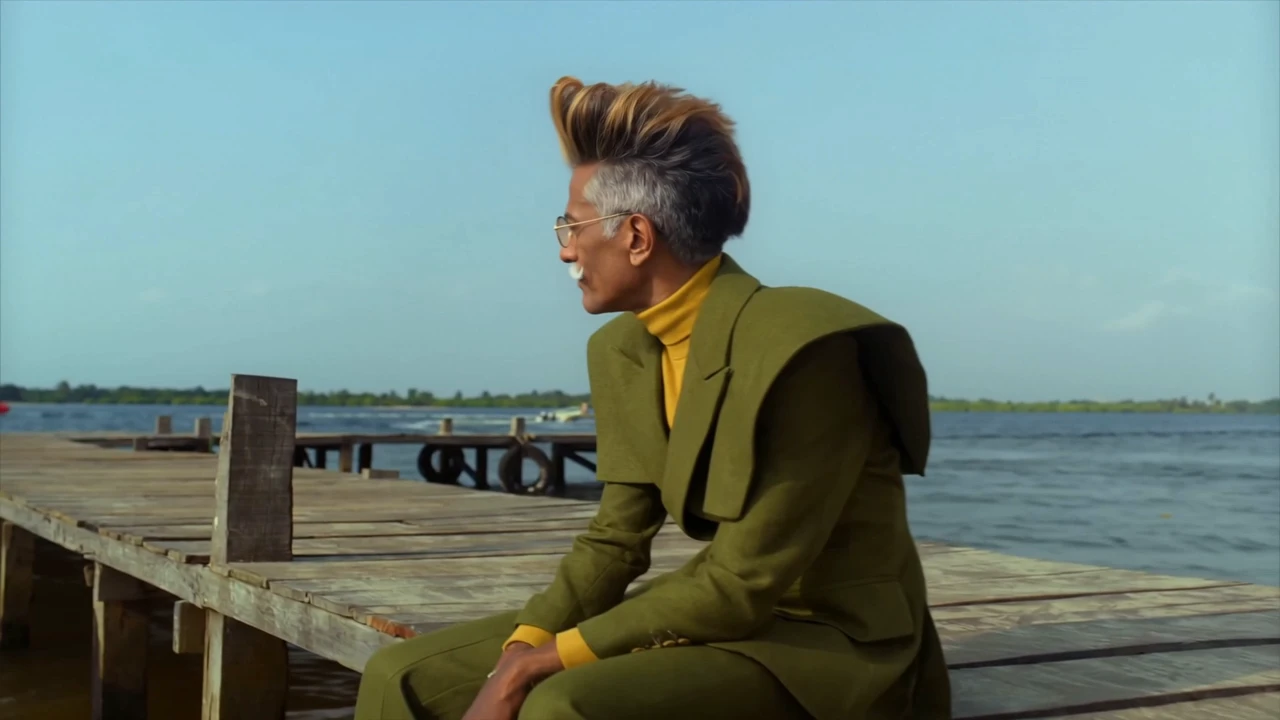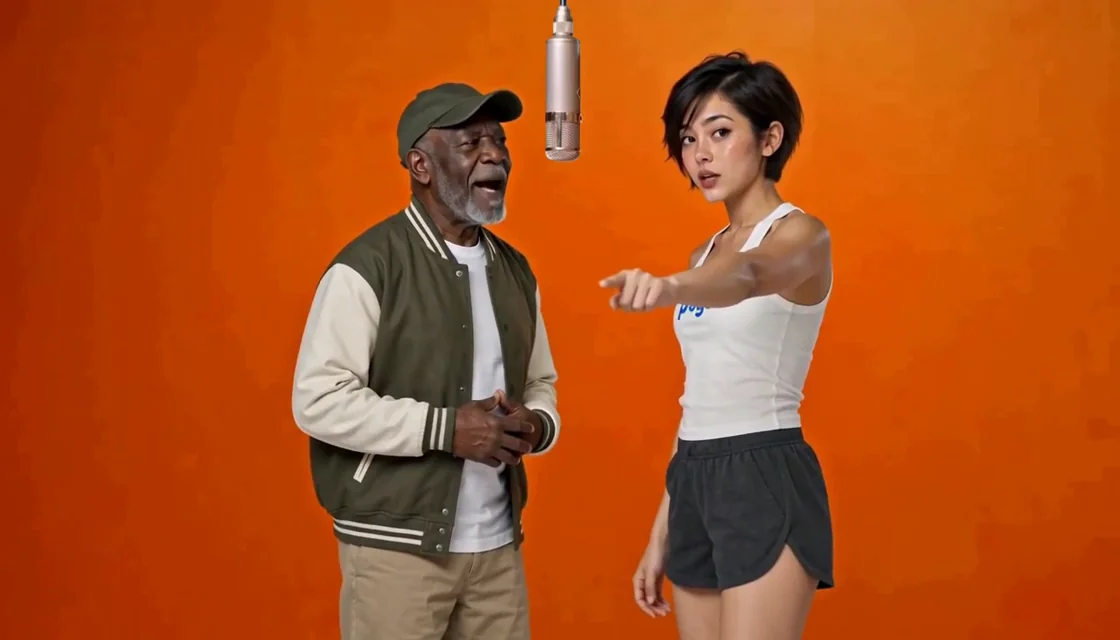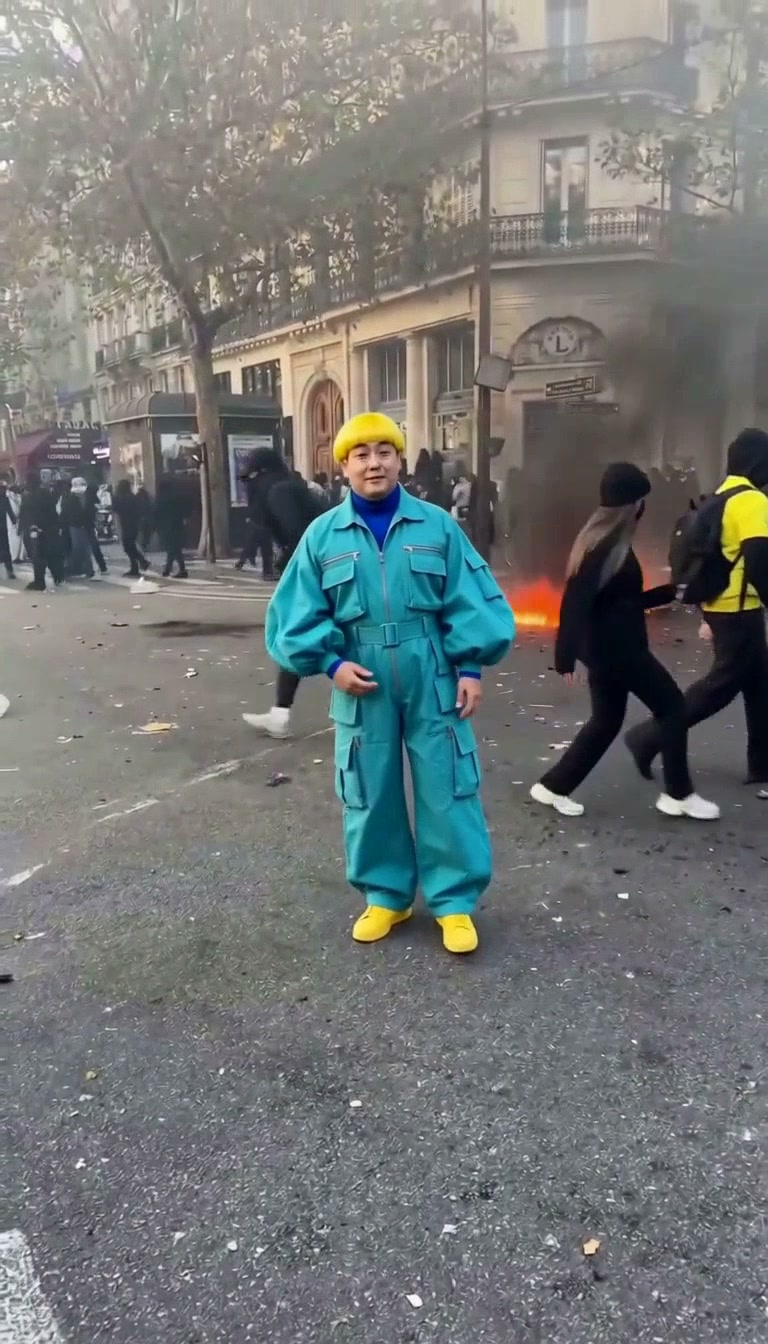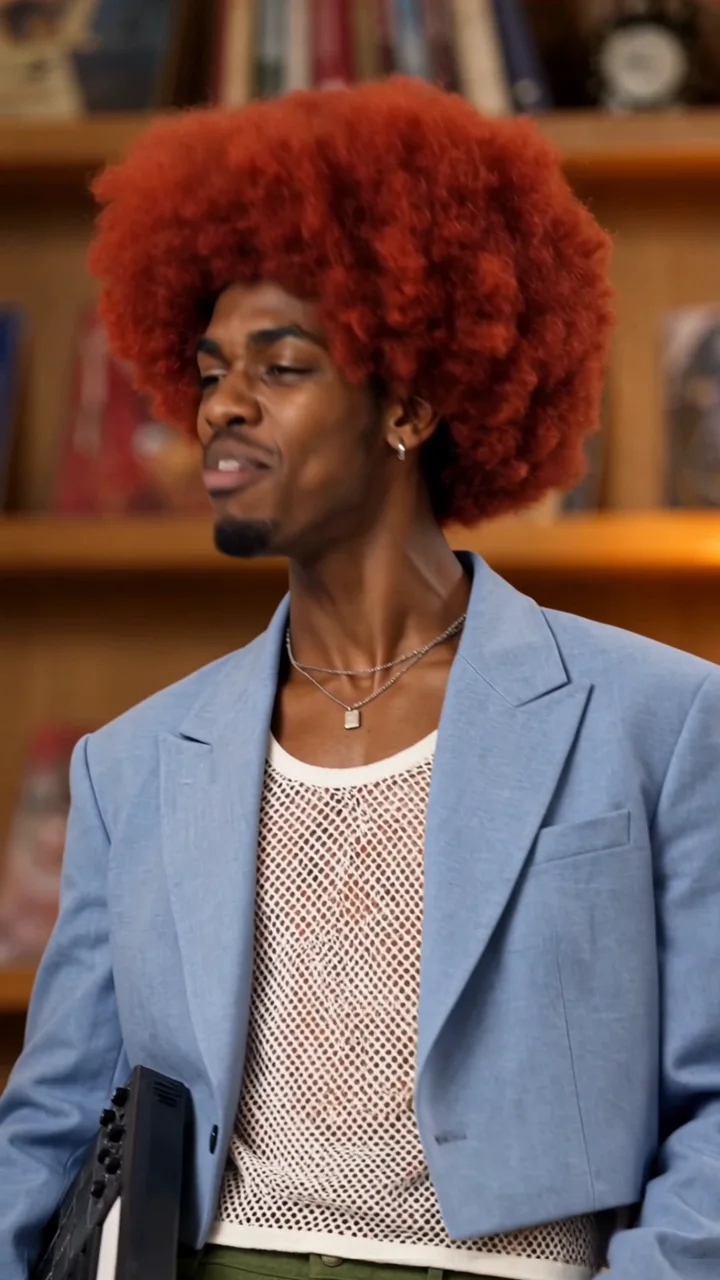
Put one person in the scene
Upload one clear portrait to make that person the lead in the banquet performance.
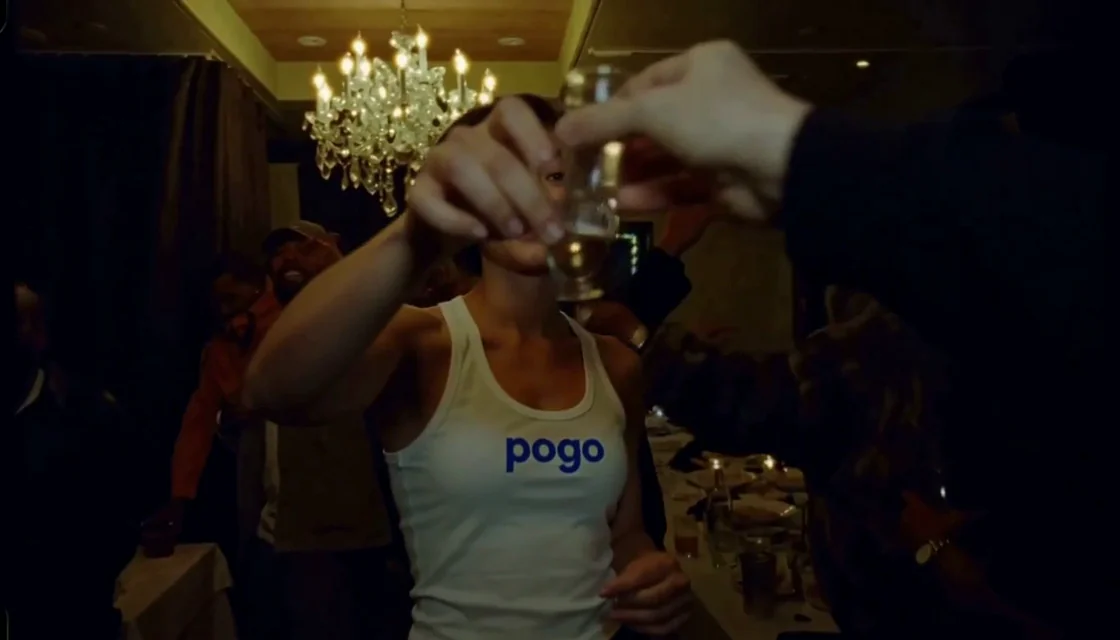 Watch sample
One photo. Your moment in the scene.
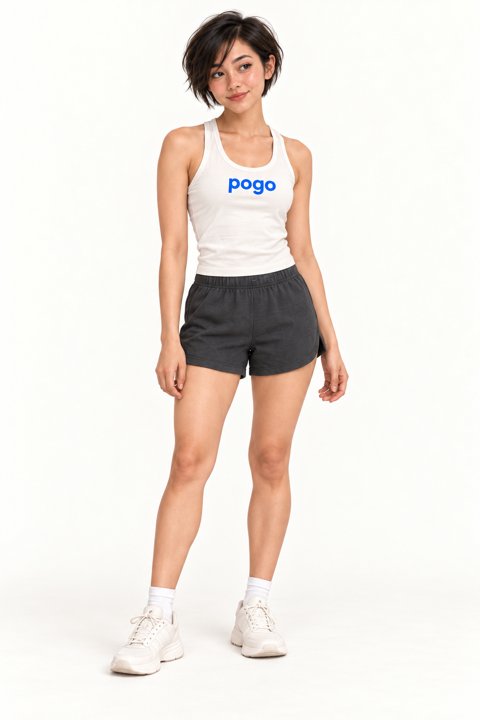
Character reference photos
Review the template’s character references and original clip before adding your own photos.
Original template clip
Match the numbered character references to the photo slots above.
Create videoYour photo supplies the lead character; the fixed sample guides the warm banquet setting, raised-glass gestures and camera timing. This is a guided image-to-video template, so you do not need to write a prompt, select a source clip or prepare a first frame. The result is synthetic: identity, expression and movement can vary from the sample.
Upload one clear portrait to make that person the lead in the banquet performance.
The 15-second landscape template includes the toast motion, camera timing and original audio.
No prompt, source upload or first frame is needed; choose 768p or 1080p, then preview and download.
Choose a clear photo of one consenting adult. JPG, PNG or WebP, up to 8 MB. You do not need to upload a source video.
Choose 768p or 1080p and confirm photo permission. Use a guest video pack or sign in to use credits. Review the cost before creating. Payment does not start generation.
Select Create video to start. Follow progress here, then preview and download your finished 15-second video with sound. If the task status is uncertain, check the existing task before trying again.
No signup needed. Pay once, then create your videos. 15 seconds · 768p
$8.90
$19.90
$39.90
Each use includes one video at the duration and resolution selected above.
Use within 365 days of purchase.
Prices use your selected currency before tax. Pay once for a video pack, valid for 365 days with no automatic renewal. Each use creates one video at your chosen length and quality. A confirmed generation failure returns that use. After choosing a pack, check the price and availability shown on the page.
At the template’s default resolution, videos of 15 seconds or less use the short pack tier; videos longer than 15 seconds use the long pack tier. 1080p is a separately priced quality upgrade, as shown below.
| Duration / resolution | 1 use | 3 uses | 7 uses |
|---|---|---|---|
| 15s / 768p | $8.90 | $19.90 | $39.90 |
| 15s / 1080p | $18.90 | $44.90 | $89.90 |
You can also sign in to use account credits. The creation button shows how many credits your video needs. Video packs and account credits are used separately and cannot be exchanged.
Upload one clear photo, choose 768p or 1080p, confirm permission and select Create video. The Burning Bridges source clip is already selected. Guests can buy a one-time video pack; signed-in users can also use account credits.
Yes. This template preserves the source clip’s original audio in a 15-second horizontal video. It does not clone your voice, accept new lyrics or provide a different music selection.
Use a sharp, evenly lit image of one adult who agreed to appear. Keep the face unobstructed; visible hair and upper body help establish the character. Supported formats are JPG, PNG and WebP, up to 8 MB. Group photos are not suitable.
Guests can buy a one-time video pack using an email address. The page shows the price for the selected resolution before checkout; there is no automatic subscription. Signed-in users can use account credits for new work. Packs and credits are separate balances. Use the same browser or Recover order to access a guest purchase.
The fixed template guides the scene, motion and timing, while your photo guides the new lead character. AI results vary: face likeness, hands, expression and lip timing may differ. The sample is a reference, not a guarantee of an identical result.
A confirmed failed generation restores the video-pack use or returns the charged credits. If submission status is uncertain, check the existing task instead of submitting again. After a successful result, a new generation uses another video or additional credits.
Still have questions? Email us at support@videopogo.com
One portrait is all you need to start your Burning Bridges AI video.
Create videoA different scene. The same people you love.
Learn more in our Privacy Policy