
How to Make a Burning Bridges AI Video from One Photo
Bring a character into a 15-second banquet scene with the Burning Bridges AI video template.
A raised glass, a warm banquet room and one character at the center of the scene. Burning Bridges is a guided Videopogo template that uses one portrait to create a 15-second horizontal performance. The reference supplies the scene, gestures and template audio.
Preview the Burning Bridges template
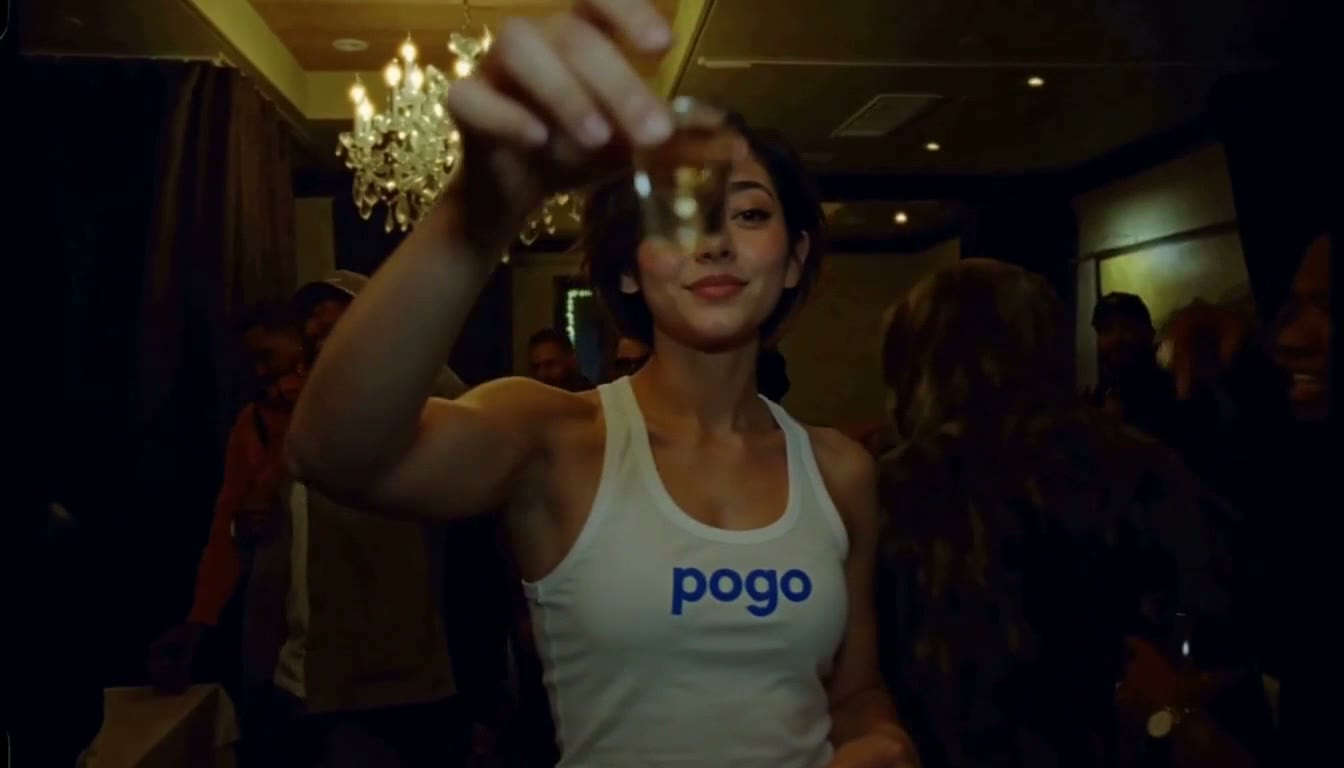
A frame from the banquet template. The full sample shows how the toast and camera movement unfold.
Pick a portrait for the lead
Use one sharp, evenly lit image with the face visible. Showing hair and upper body helps establish the character. The page supports JPG, PNG and WebP up to 8 MB; a group photo is not a suitable replacement for an individual portrait.
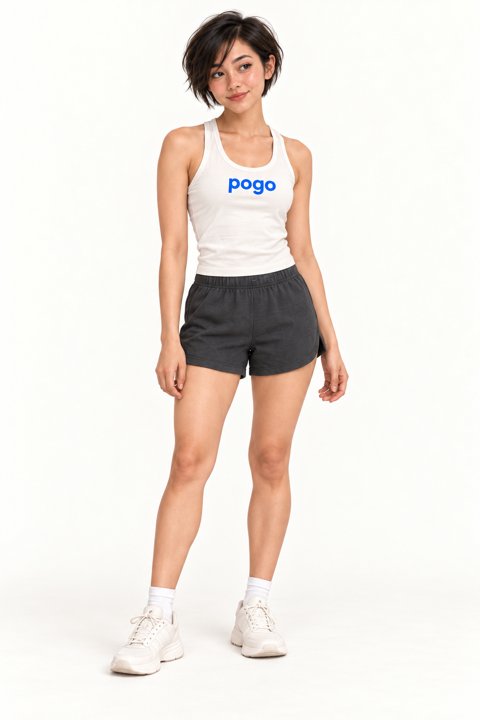
An example character portrait. Choose one clear image of your own for the lead.
You need the rights to the image. For a real person, that person must be an adult who explicitly agrees to the AI processing and the intended scene. A fictional character image can also be used when you have the right to use it.
Make the scene yours
- Watch the sample on the template page to understand the timing, movement and soundtrack.
- Add the portrait, choose 768p or 1080p, and confirm your permission to use it.
- Review the current cost. Choose a one-time pack as a guest or sign in to use account credits, where available.
- Select Create video when ready. Follow the task, then preview and download your result.
No separate source video, first frame or written prompt is needed. The fixed template guides the banquet and camera movement, but a generated face, hands and expressions may differ from the reference or portrait. The sample is not a guarantee of an identical result.
Sound, cost and retries
The template is intended to use its original source audio, though the final audio may vary. It does not clone a voice, accept new lyrics or offer a different music selection. Check your finished video and the rights needed for your intended use before sharing. The current cost is shown on the creation page, before you start.
If a task’s status is uncertain, check it before submitting again. A confirmed failed generation restores the applicable pack use or credits; see the page for current terms.
Creating beyond the banquet scene
The photo-to-video guide explains how to describe a new motion from a still photo instead of using this preset scene. For an existing performance clip, read Face swap vs Video Recast before choosing a method.
Create a Burning Bridges video · Want a vertical freestyle instead? Explore Bulin 47 AI.