How to Make a Bulin 47 AI Rap Video from One Photo
Prepare one character portrait for a short freestyle performance with the Bulin 47 AI video template.
One portrait becomes the lead in a short, energetic freestyle scene. The Bulin 47 template on Videopogo uses a fixed reference performance to guide the setting, gestures and camera movement. The result is a synthetic interpretation, so likeness, movement and lip timing can vary.
Watch the sample and open Bulin 47 AI
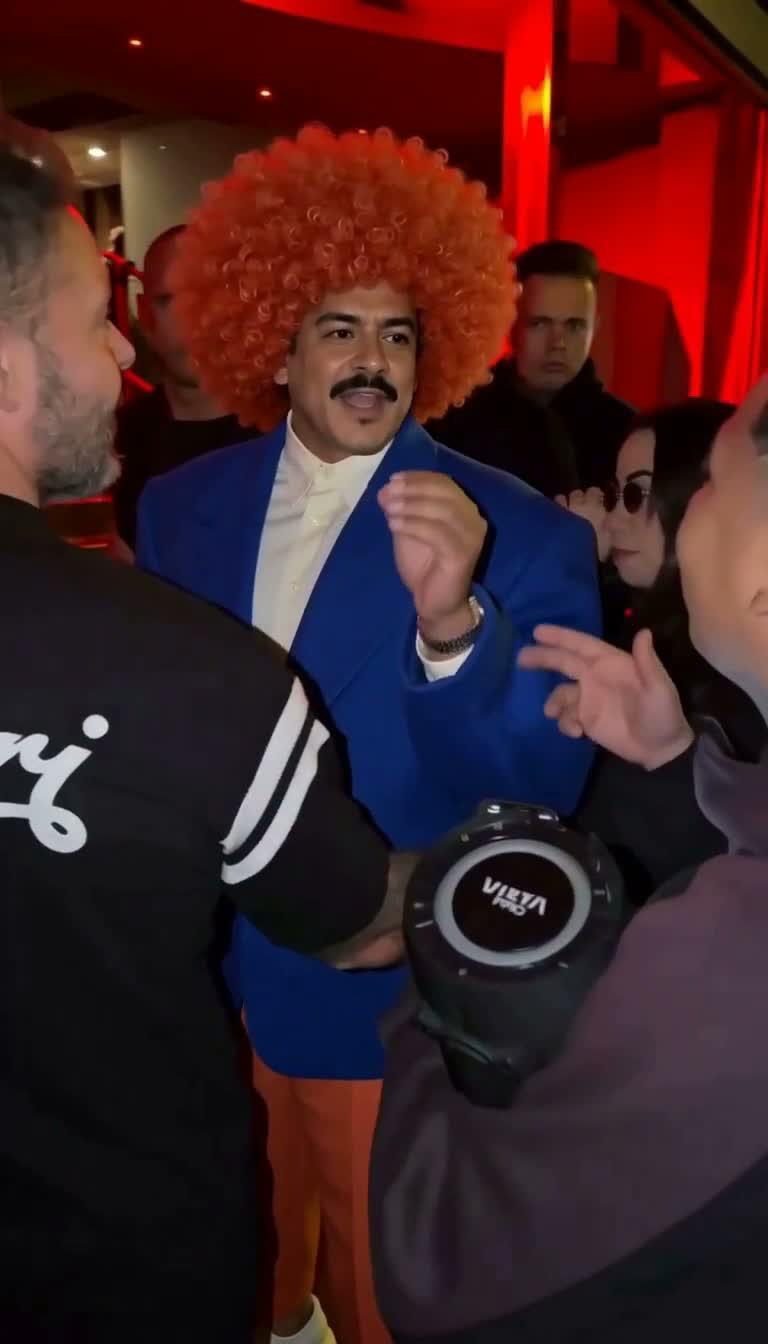
A frame from the vertical freestyle template. Watch the full sample for the movement and sound.
Find the right portrait
Choose a sharp, evenly lit image with one visible character. A clear face, hair and upper body provide useful visual reference; a group photo or a face hidden by sunglasses gives the model less to work with. The page accepts JPG, PNG and WebP files up to 8 MB.
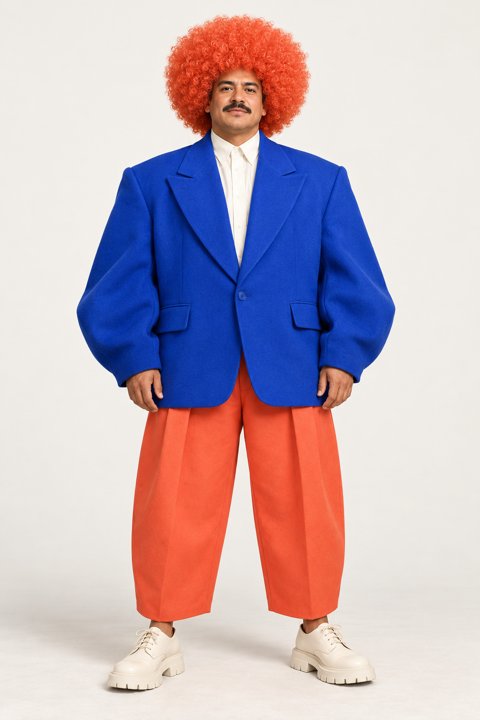
An example character portrait with one subject clearly visible. Your own portrait supplies the lead.
Use a fictional character image you have rights to use, or a photo of an adult who explicitly consents to the AI processing and intended performance. Preview the reference with that person before creating.
From photo to performance
- Add your portrait to the template page.
- Choose 768p or 1080p and confirm permission to use the image.
- Review the price shown for your selection. Guests can choose a one-time video pack, while signed-in users can use account credits if available.
- Select Create rap video to submit. Follow the task, preview the completed result and download it.
The guided template is a 15-second vertical performance and is intended to use the source clip’s audio; the final audio may vary. It does not create a new voice from your photo or accept custom lyrics. Check the result before sharing, including whether you have the necessary rights for the place you plan to publish it.
If something needs another look
If a task is pending or its submission status is uncertain, check it before creating another video. A confirmed failure restores the applicable video-pack use or credits; a new creation after a successful result uses another video or credits. Guest purchasers can use the original browser or the page’s order recovery flow.
Videopogo is an independent creation tool and is not affiliated with or endorsed by Bulin 47. Generated performances are not real footage of the person in the image.
Other ways to use your portrait
For movement you describe yourself rather than a fixed freestyle scene, follow the photo-to-video guide. If you are choosing how to change a performer in an existing clip, compare Face swap and Video Recast.
Create your Bulin 47 video · Prefer a different one-photo scene? Try Burning Bridges.