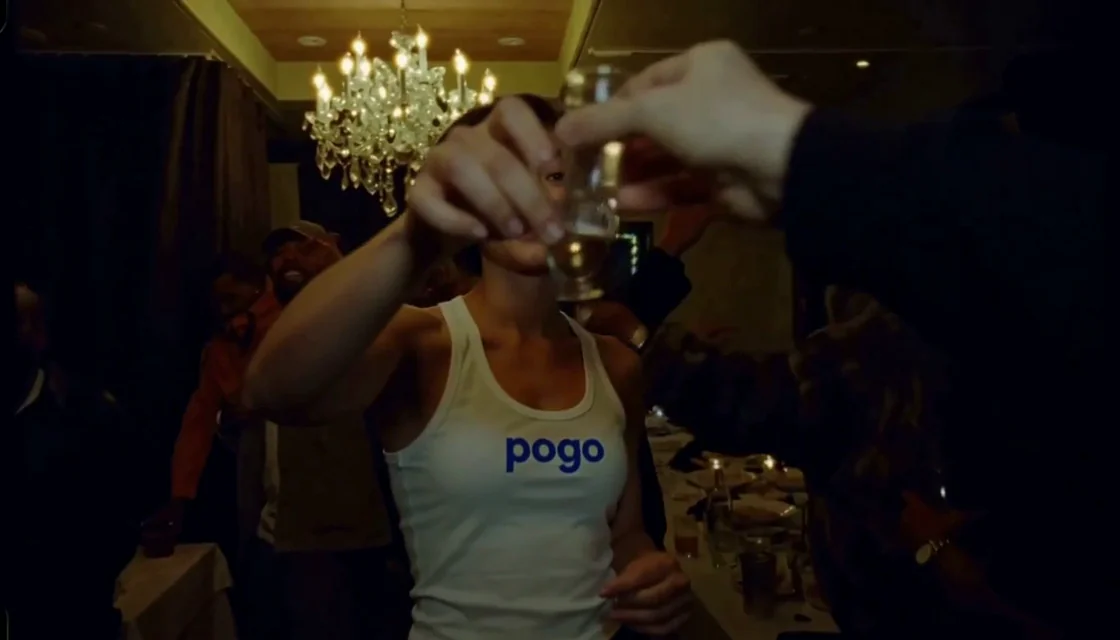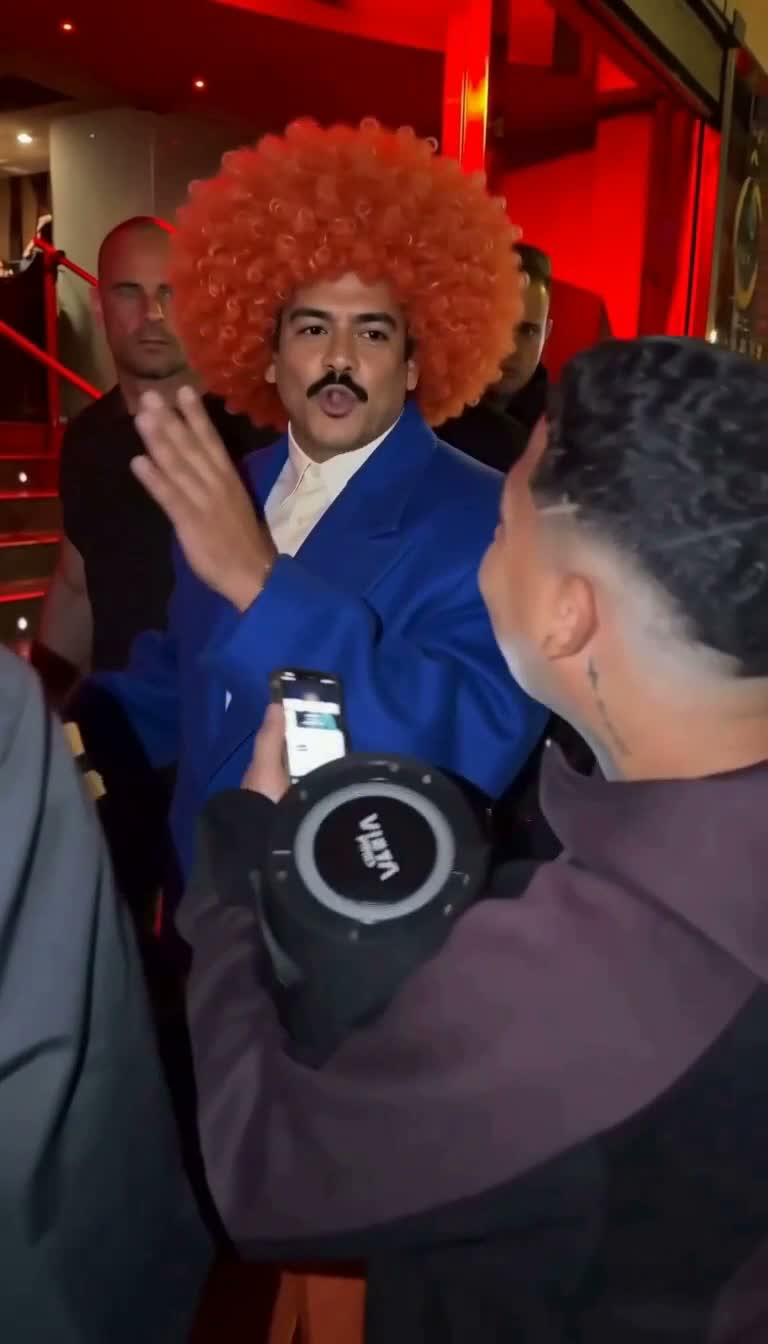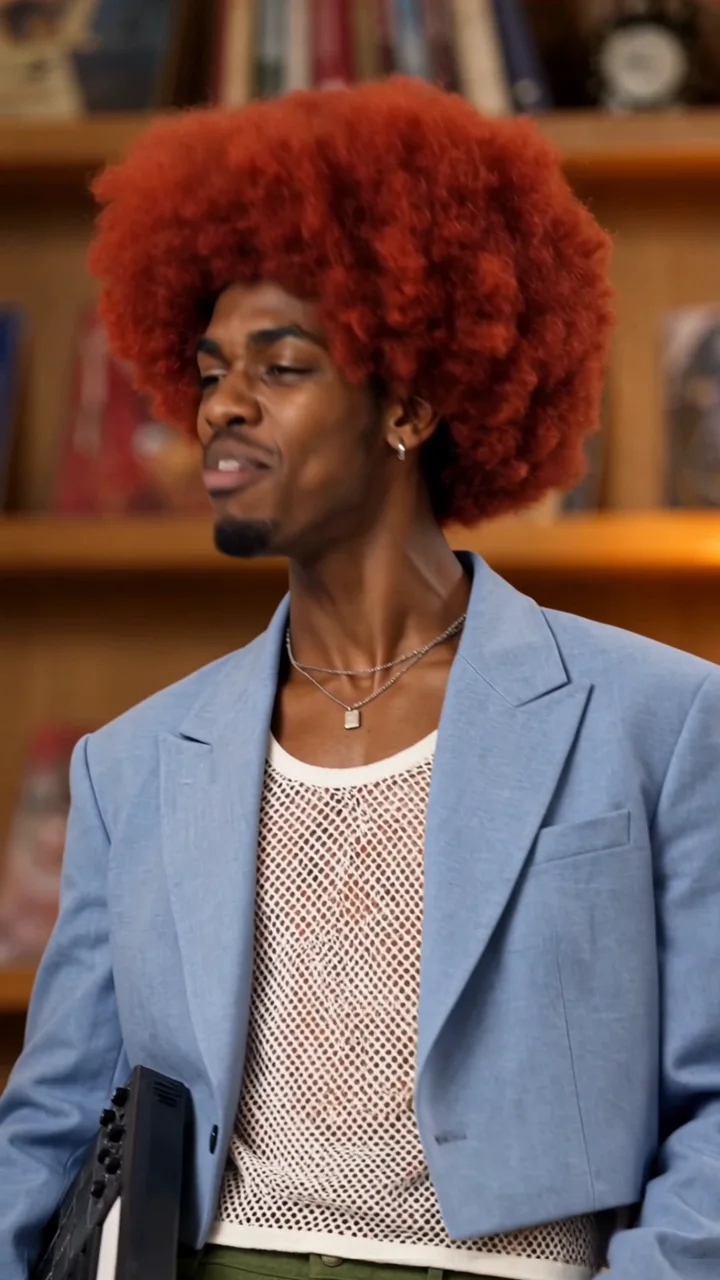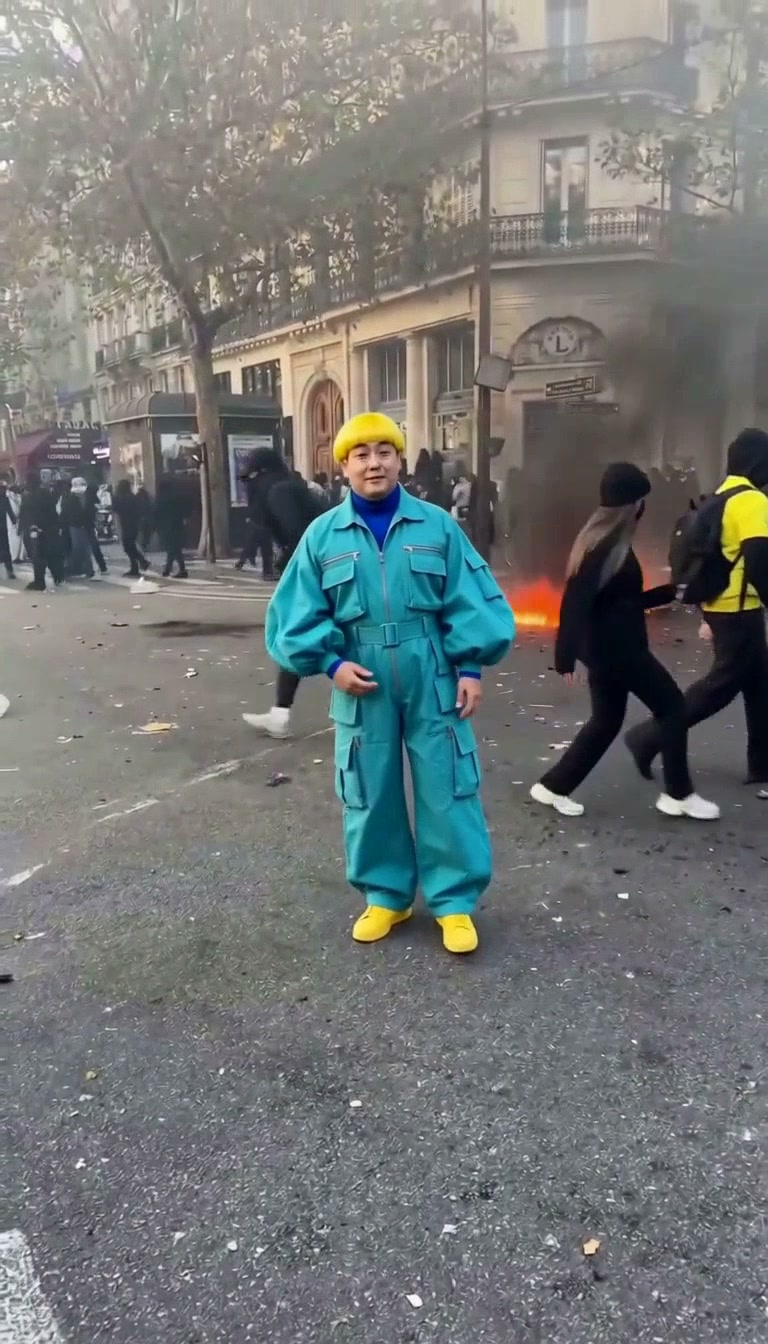
Normal keeps the template sound
Your duo. The original performance.
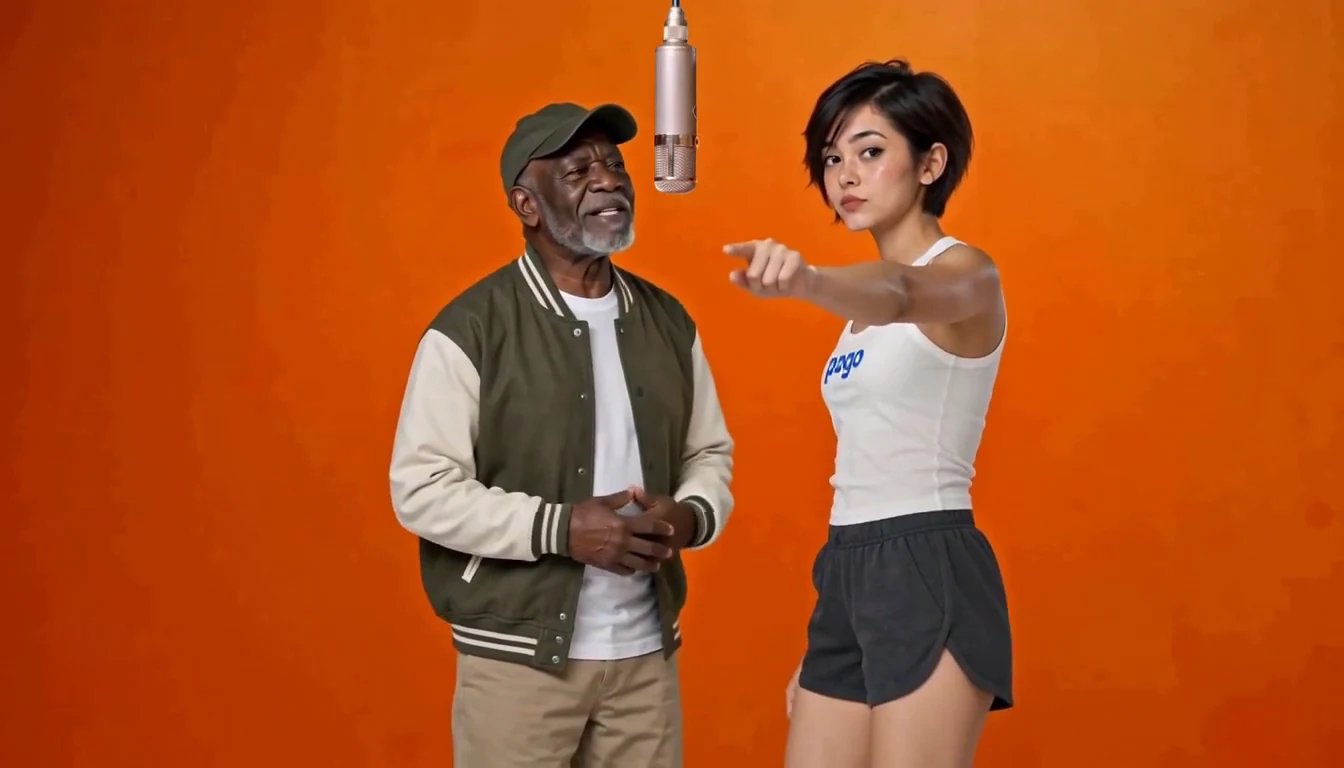
Two individual photos, one shared performance. Normal keeps the original motion, camera and soundtrack.
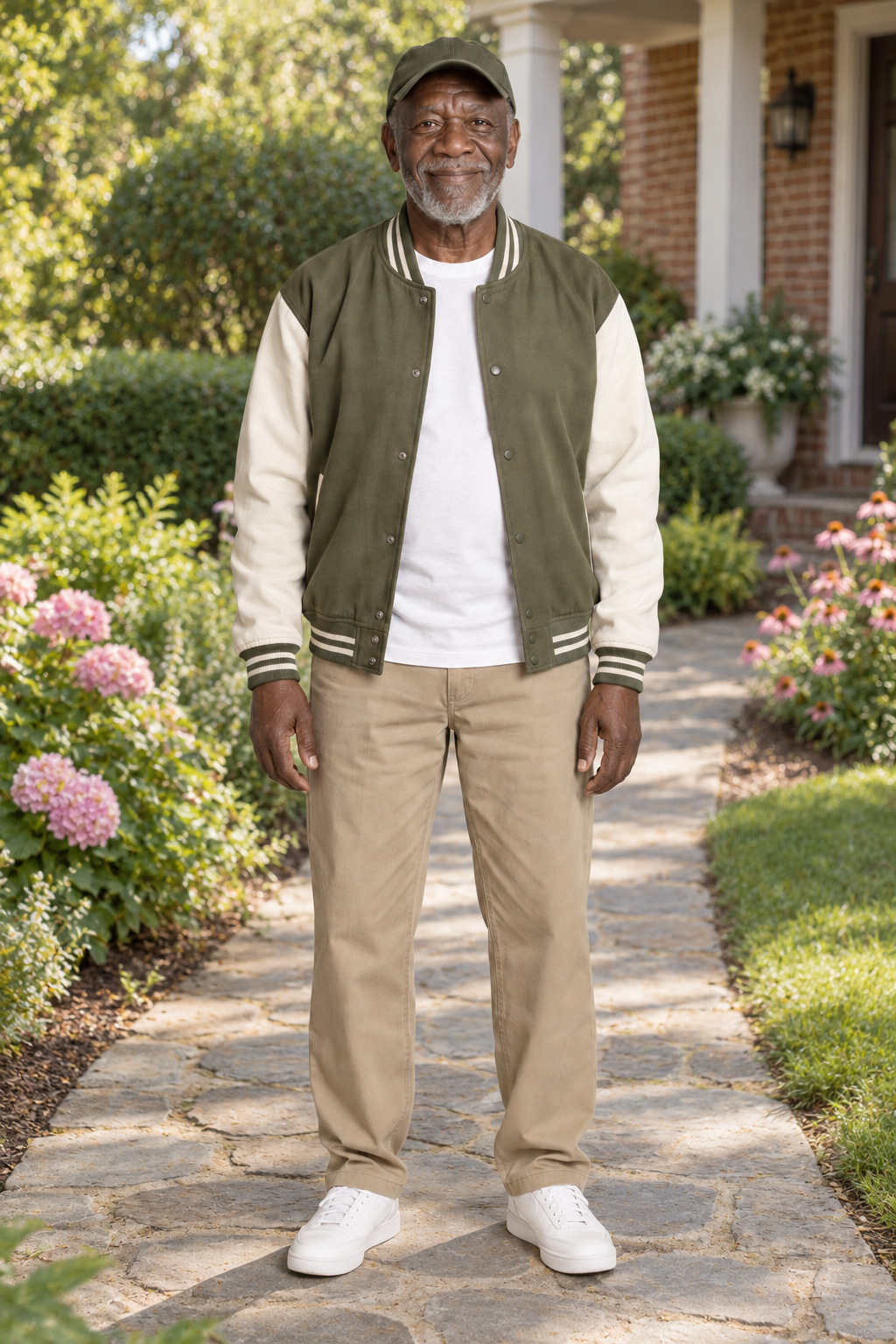
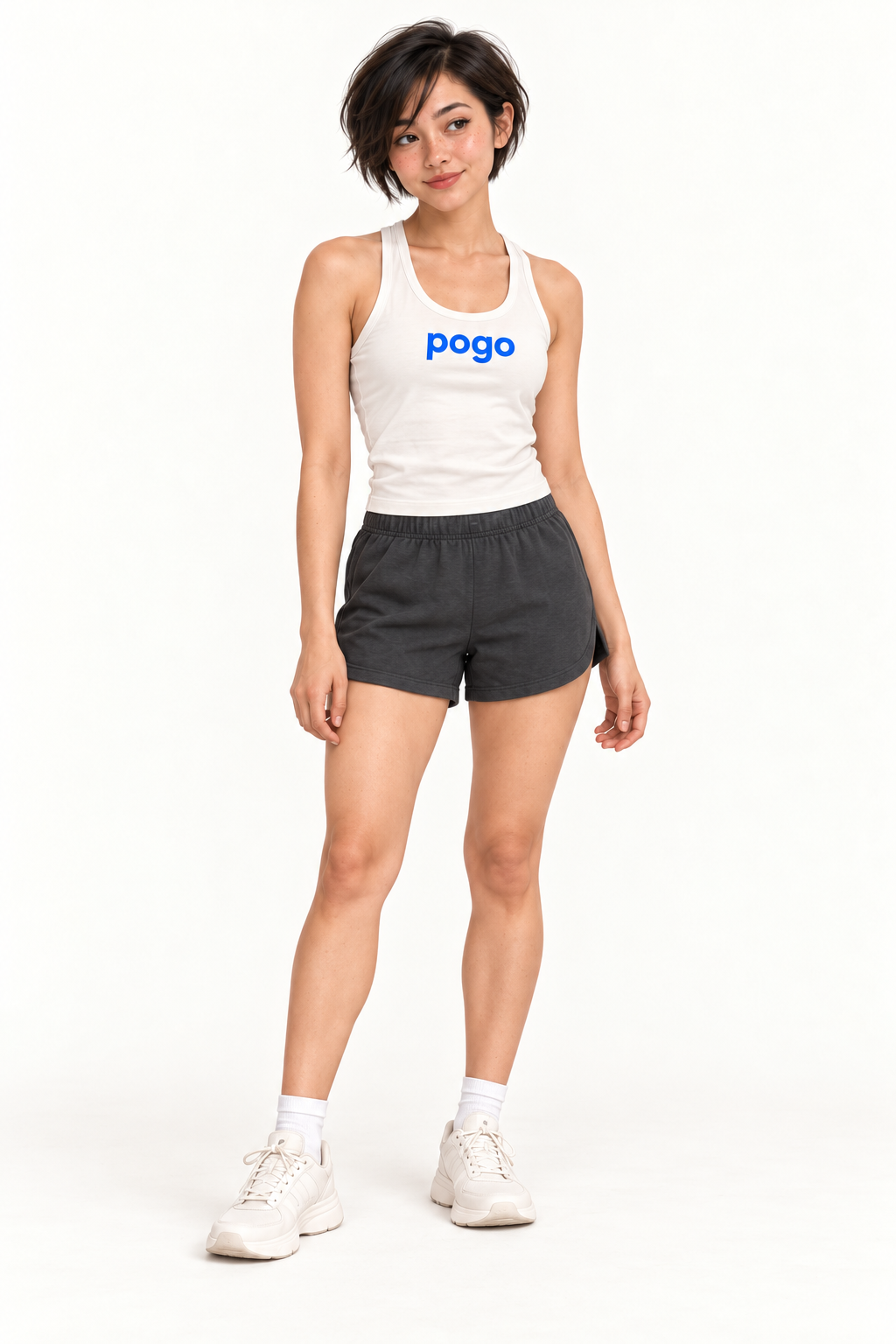
Hotel Lobby AI turns two character images into a musical duet in an orange studio. Add one image per role.
Add one clear character image per role. Image 1 is assigned to the left role and image 2 to the right.
Left character
JPG, PNG or WebP · Up to 8 MB
Right character
JPG, PNG or WebP · Up to 8 MB
Bring your duo into the template performance, with the original soundtrack.
Restoring your previous task…
Two character images, one shared performance. Play an example to hear its sound.
Normal keeps the template sound
Two individual photos, one shared performance. Normal keeps the original motion, camera and soundtrack.
This style creates new sound
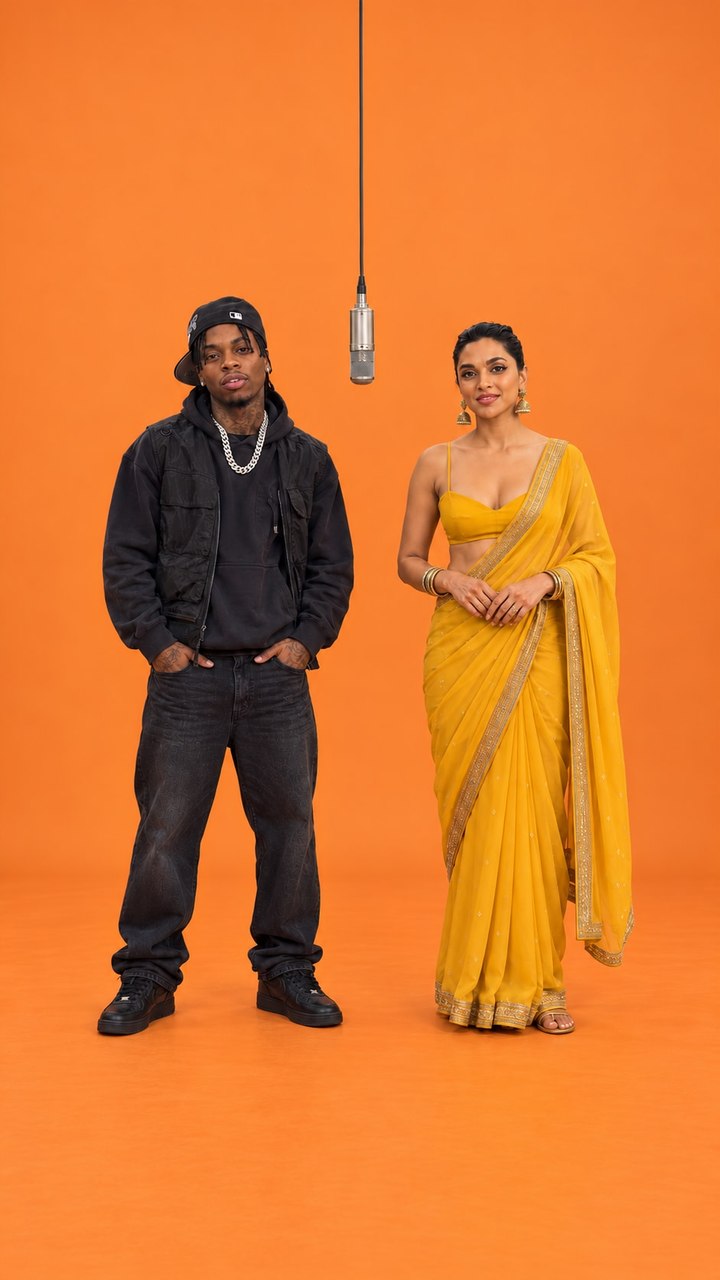
A smile, a shared song and a little movement. Two separate portraits meet in the orange studio.
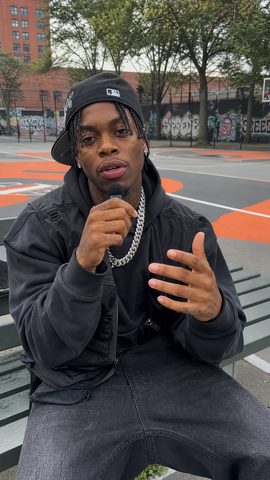
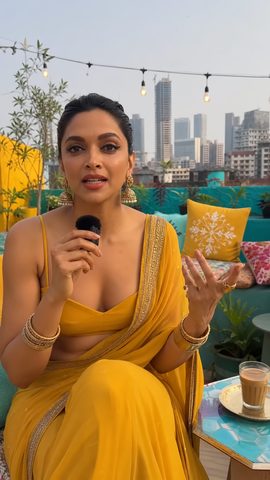
This style creates new sound
A playful back-and-forth for two friends. A different beat gives the same studio a different mood.
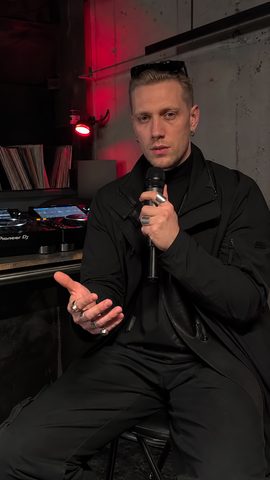
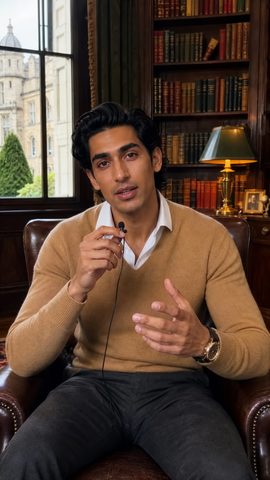
Bring two people into the orange studio. Keep the original performance with Normal, or choose another music style for a new song.
Add one clear photo of each person. You don’t need a photo taken together.
Normal uses the template soundtrack. Choose another music style for a newly generated song.
Choose another music style to add an optional prompt, or leave it blank to use that style’s defaults.
Your two photos are used directly as character references, so there is no separate image-generation or confirmation step.
Choose portrait, landscape or square. Normal fits the complete source performance with added margins when needed.
Download the finished clip. Nothing is posted to your social accounts for you.
A birthday message, an inside joke, or simply the two of you singing together.
Choose a clear individual photo of each adult and pick the video shape.
Pick the video shape and music style, then confirm you have permission to use both photos.
Create the video directly from your photos, then download the finished clip.
No signup needed. Pay once, then create your videos. 15 seconds · 768p
$8.90
$19.90
$39.90
Each use includes one video at the duration and resolution selected above.
Use within 365 days of purchase.
Prices use your selected currency before tax. Pay once for a video pack, valid for 365 days with no automatic renewal. Each use creates one video at your chosen length and quality. A confirmed generation failure returns that use. After choosing a pack, check the price and availability shown on the page.
At the template’s default resolution, videos of 15 seconds or less use the short pack tier; videos longer than 15 seconds use the long pack tier. 1080p is a separately priced quality upgrade, as shown below.
| Duration / resolution | 1 use | 3 uses | 7 uses |
|---|---|---|---|
| 10s / 768p | $8.90 | $19.90 | $39.90 |
| 15s / 768p | $8.90 | $19.90 | $39.90 |
| 10s / 1080p | $12.90 | $29.90 | $59.90 |
| 15s / 1080p | $18.90 | $44.90 | $89.90 |
You can also sign in to use account credits. The creation button shows how many credits your video needs. Video packs and account credits are used separately and cannot be exchanged.
Choose Normal in Hotel Lobby to keep the template sound and let the people in your photos perform using the original movement and camera shots. Choose 10 or 15 seconds at 768p or 1080p. Other music styles create new sound and a new performance, with 10-second videos in either quality; you can also describe the result you want in words. AI-generated faces, movement, outfits and lip sync may differ from your photos or the original clip.
Prepare two separate photos of adults, one per person; you do not need a couple photo. Photo 1 replaces the person on the left and photo 2 replaces the person on the right. Swap photos to switch their positions. Photos stay in your browser preview until you select Create video, then upload to make your video directly. Use one clear, evenly lit portrait per adult, with the face visible. JPG, PNG and WebP files up to 8 MB are supported, and you can swap the left and right positions.
Choosing photos only previews them in this browser. They are uploaded when you start generation. Download finished videos before the access date shown on the page.
Sign in to use account credits, or buy a one-time template video pack without a subscription or account. At the default resolution, videos of 15 seconds or less use the short pack tier and longer videos use the long pack tier; the 1080p quality upgrade is priced separately. Single-video pack prices before tax: 10s/768p $8.90 USD; 15s/768p $8.90 USD; 10s/1080p $12.90 USD; 15s/1080p $18.90 USD. Packs of 3 or 7 are also available, with prices shown for your chosen length and quality. Packs last 365 days and work only with the template selected at purchase; they cannot be exchanged for account credits. After signing in or paying, select Create video to start.
Use Recover order in the original browser or the private link sent to your purchase email. Each order keeps its purchased duration, resolution and remaining uses; historical orders keep their original terms. Check a processing or uncertain task before trying again.
Still have questions? Email us at support@videopogo.com
Choose your two photos and create your own Hotel Lobby AI video.
Create your duetA different scene. The same people you love.
Learn more in our Privacy Policy