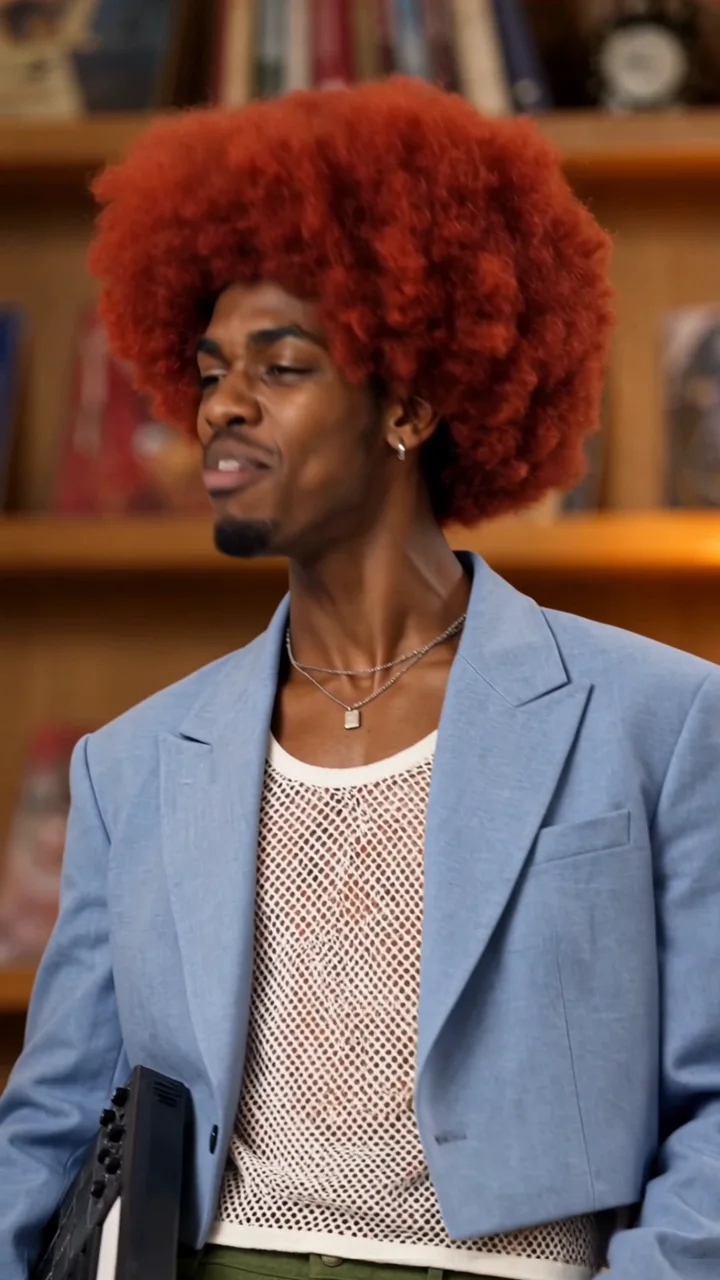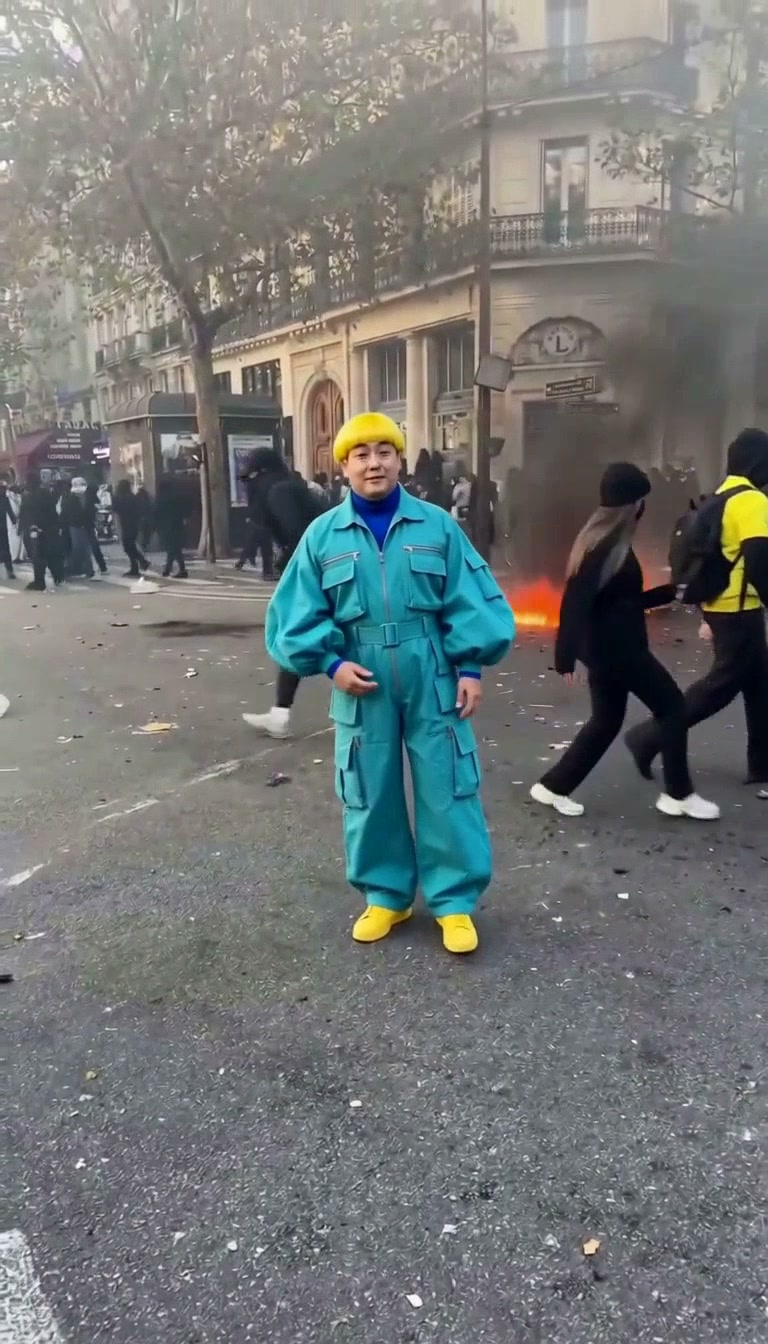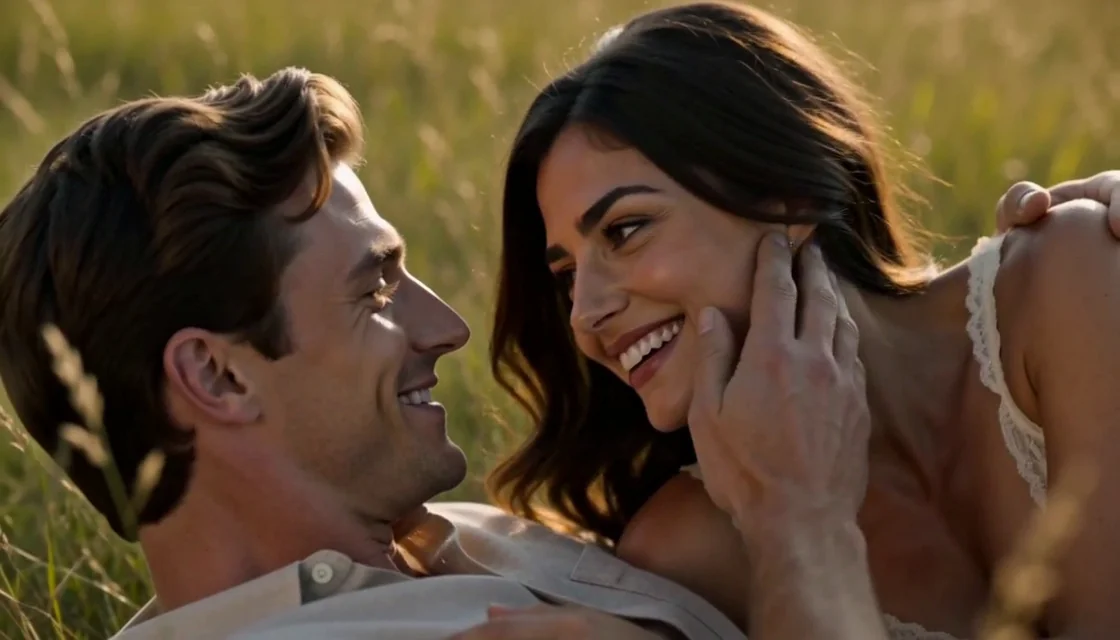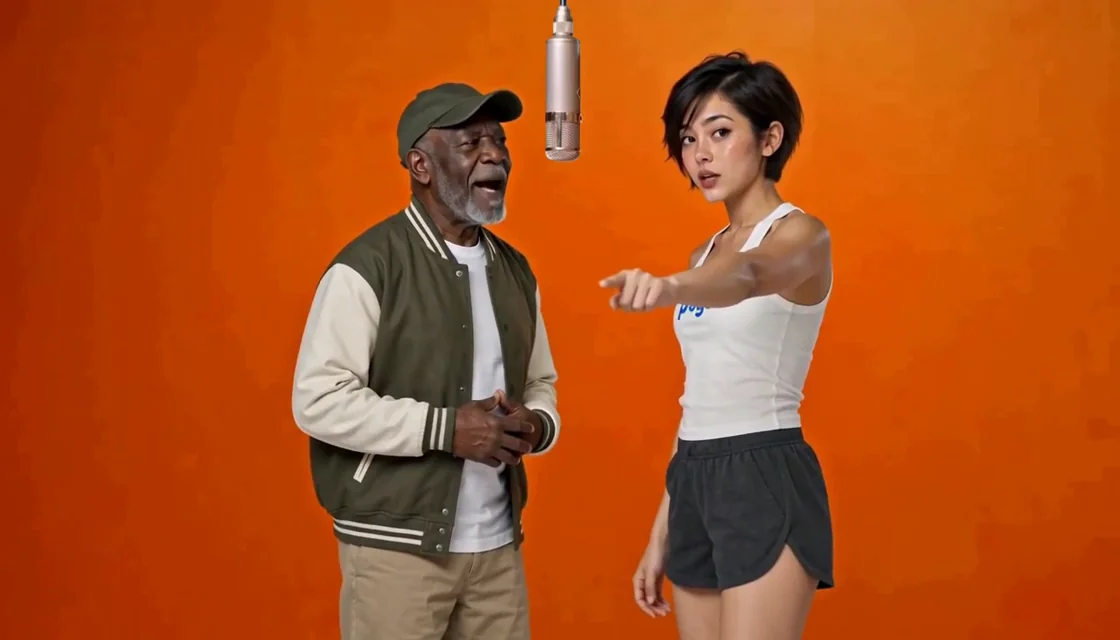
Cast two roles from separate photos
Use one portrait per role and swap their order before creating—no couple photo is needed.
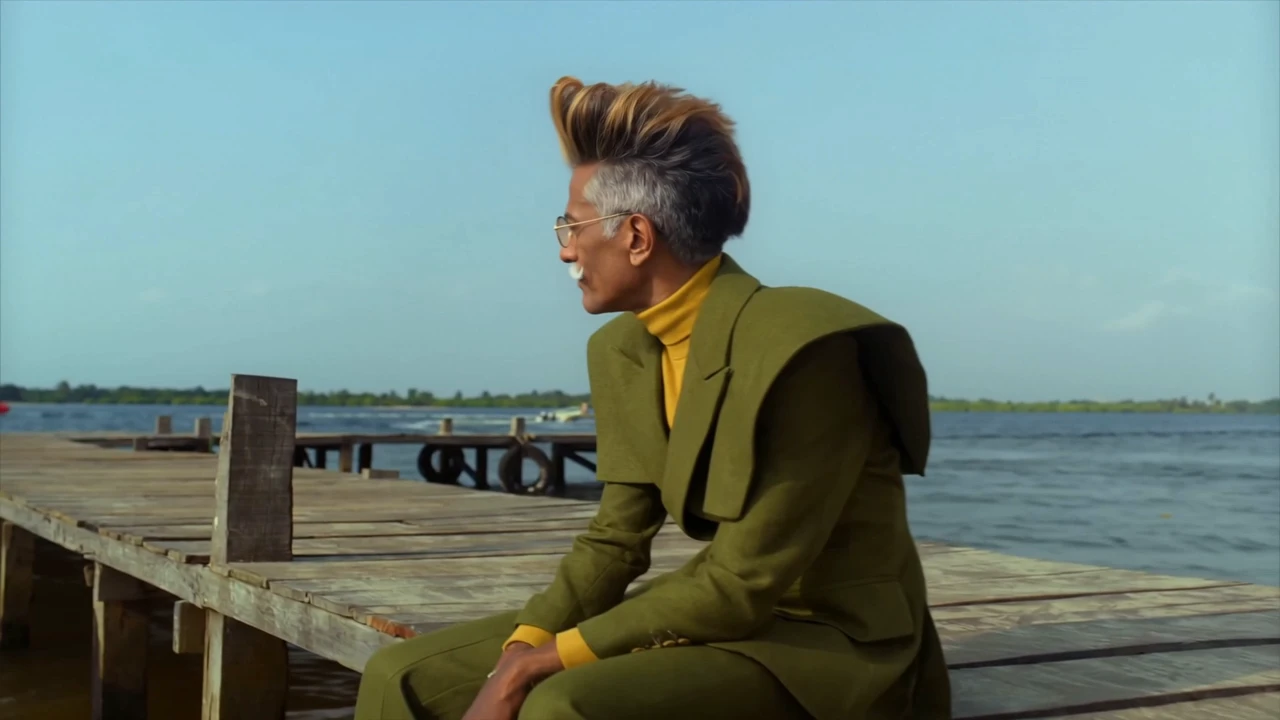 Watch sample
Your two characters. The Raindance scene.
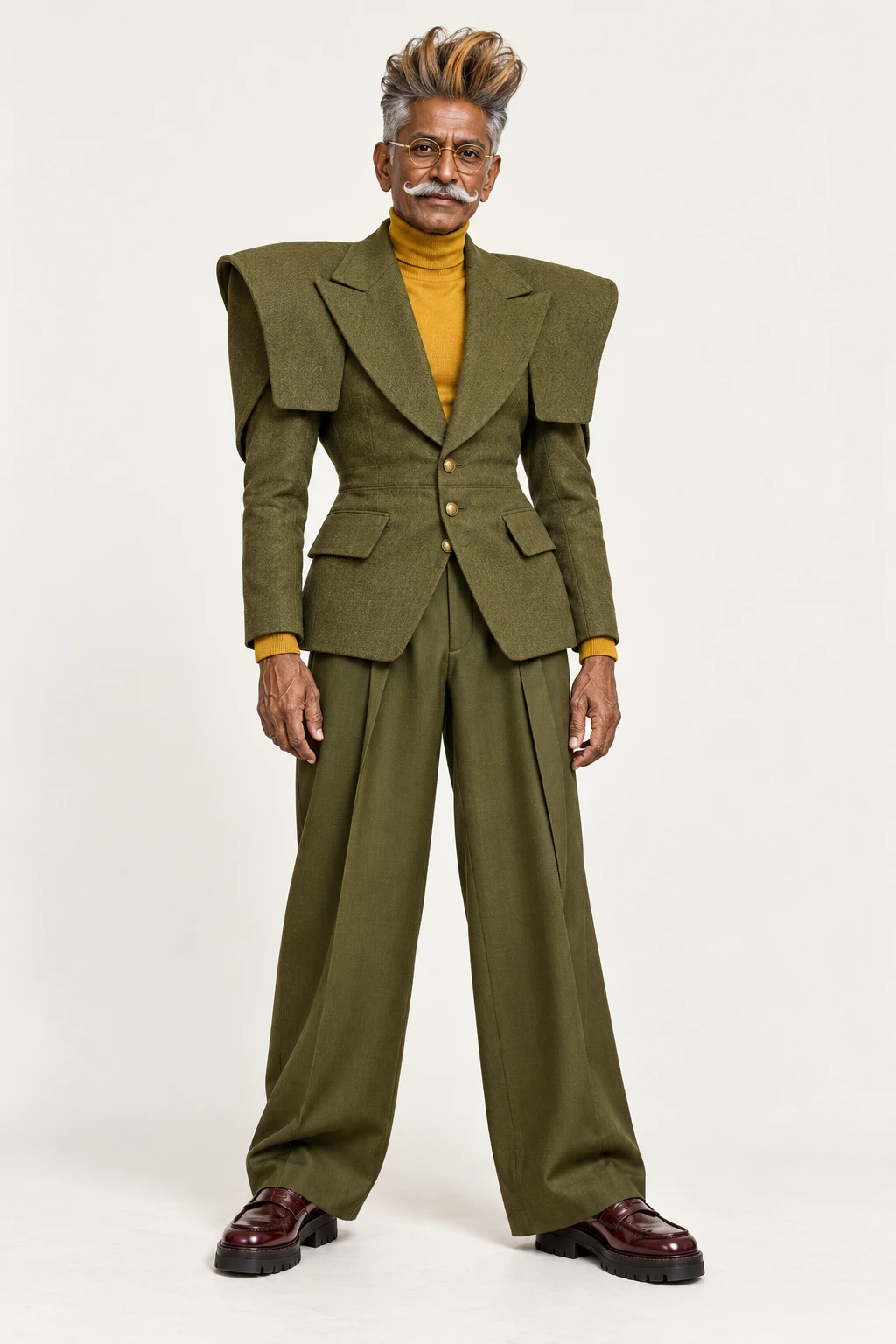
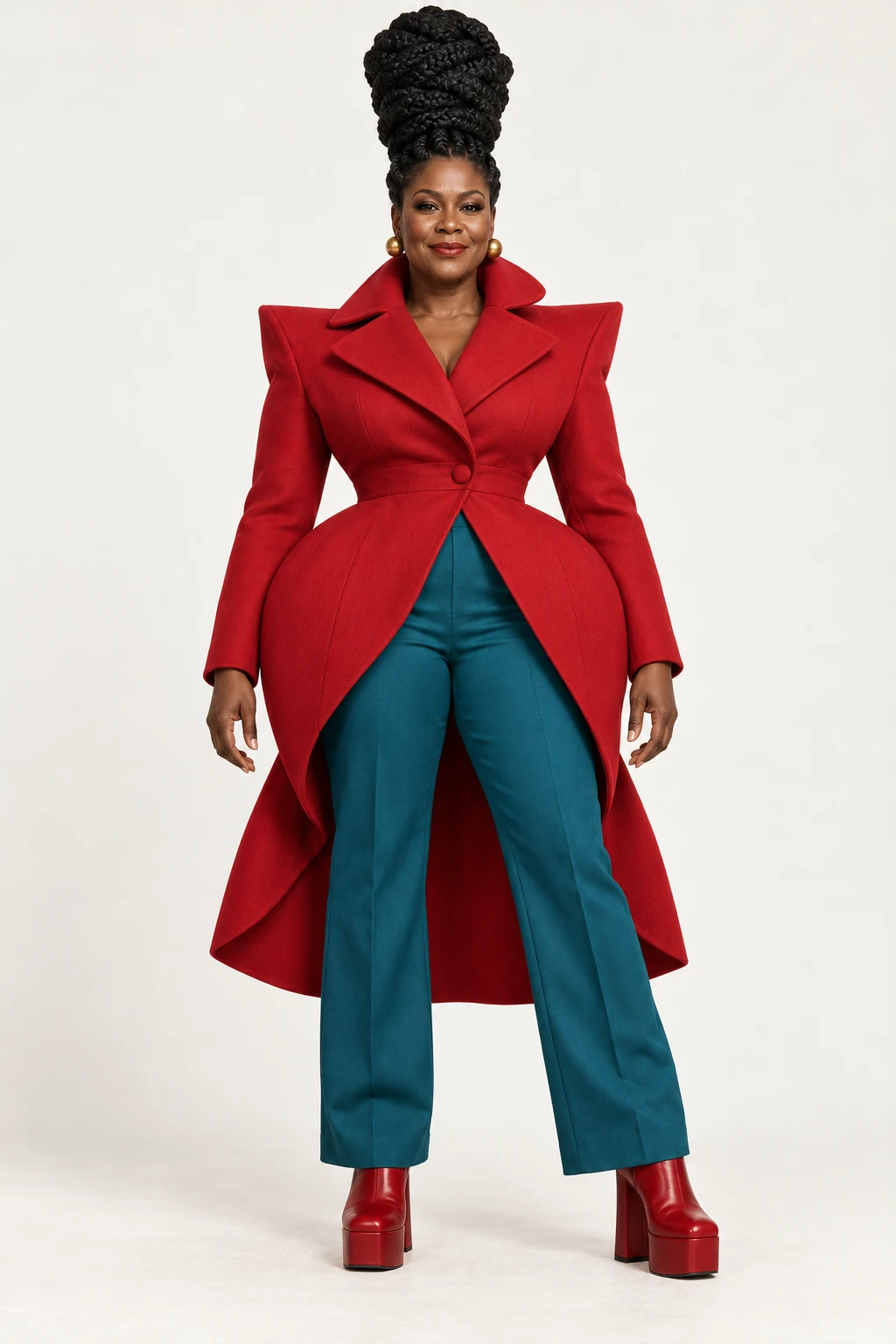
Character reference photos
Review the template’s character references and original clip before adding your own photos.
Original template clip
Match the numbered character references to the photo slots above.
Create videoRaindance AI Video uses two character images to create a version of this 28-second dockside video. Add Image 1 for the male role and Image 2 for the female role; the source clip and character-replacement prompt are already set.
Use one portrait per role and swap their order before creating—no couple photo is needed.
The 28-second, 720p, 16:9 scene is fixed, so no extra description is needed.
No source upload or first frame is needed; preview and download afterward, with original sound requested each time and results able to vary.
Image 1 is the male role; Image 2 is the female role. Swap them at any time before generating.
Choose a one-time video pack or use account credits, then select Create video. The source clip, prompt and output settings are already selected. Payment does not start generation.
Preview and download your finished video here. Earlier account videos remain available in Assets.
No signup needed. Pay once, then create your videos. 28 seconds · 720p
$12.90
$29.90
$59.90
Each use includes one video at the duration and resolution selected above.
Use within 365 days of purchase.
Prices use your selected currency before tax. Pay once for a video pack, valid for 365 days with no automatic renewal. Each use creates one video at your chosen length and quality. A confirmed generation failure returns that use. After choosing a pack, check the price and availability shown on the page.
At the template’s default resolution, videos of 15 seconds or less use the short pack tier; videos longer than 15 seconds use the long pack tier.
| Duration / resolution | 1 use | 3 uses | 7 uses |
|---|---|---|---|
| 28s / 720p | $12.90 | $29.90 | $59.90 |
You can also sign in to use account credits. The creation button shows how many credits your video needs. Video packs and account credits are used separately and cannot be exchanged.
Add two clear portraits, one for each role. Buy a one-time video pack without an account, or sign in to use account credits. Then select Create video. The template video, prompt and 28-second output settings are supplied for you; payment never starts generation.
Image 1 replaces the male character; Image 2 replaces the female character. Use Swap roles before generating if you want to exchange the assignments.
No. This Raindance page supplies the fixed source video and replacement prompt. You only add two character photos and explicitly start generation.
This template requests one 28-second, 720p, 16:9 video using Kling 4.0 Reference to Video through FAL. Preview and download your completed video on this page. Earlier account videos remain available in Assets.
Every generation requests original sound. Our short tests retained source audio, but the provider has not documented the effect of its preservation switch. Audio and visual results can vary.
Choose a one-time pack of 1, 3 or 7 videos, valid for 365 days with no automatic renewal. Waffo collects your checkout email; you do not need to enter it here. A confirmed failed generation returns its use. You can also sign in to use account credits. Check pending or uncertain requests before retrying.
Still have questions? Email us at support@videopogo.com
Choose two portraits, pick a video pack or use account credits, and create your version.
Create videoA different scene. The same people you love.
Learn more in our Privacy Policy