
How to Make a Raindance AI Video with Two Photos
Choose two character portraits and make a dockside Raindance AI video with Videopogo’s guided template.
Two portraits can become a shared moment by the water. Videopogo’s Raindance template supplies the scene and the character-replacement instructions, so you can focus on choosing the cast. The requested output is a 28-second, 720p landscape video. The template requests the original sound, but audio and visual results can vary.
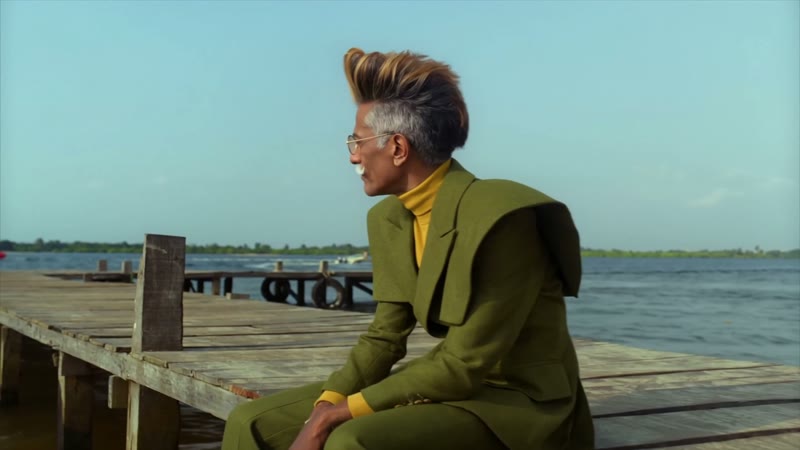
A frame from the Raindance template: the waterside setting and the first character’s role.
Start with the scene
Watch the full sample on the template page before choosing photos. The scene moves from a wooden pier to the water and a moment together on the beach. The sample shows the direction of the template; your generated video is a new AI interpretation, not a promise of identical expressions, motion or likeness.
Choose two individual portraits
Pick one clear image per role. A visible face, even light and an unobstructed view give the model a useful reference. Avoid group shots or tiny faces. JPG, PNG and WebP are supported; check the page for the current upload limits.
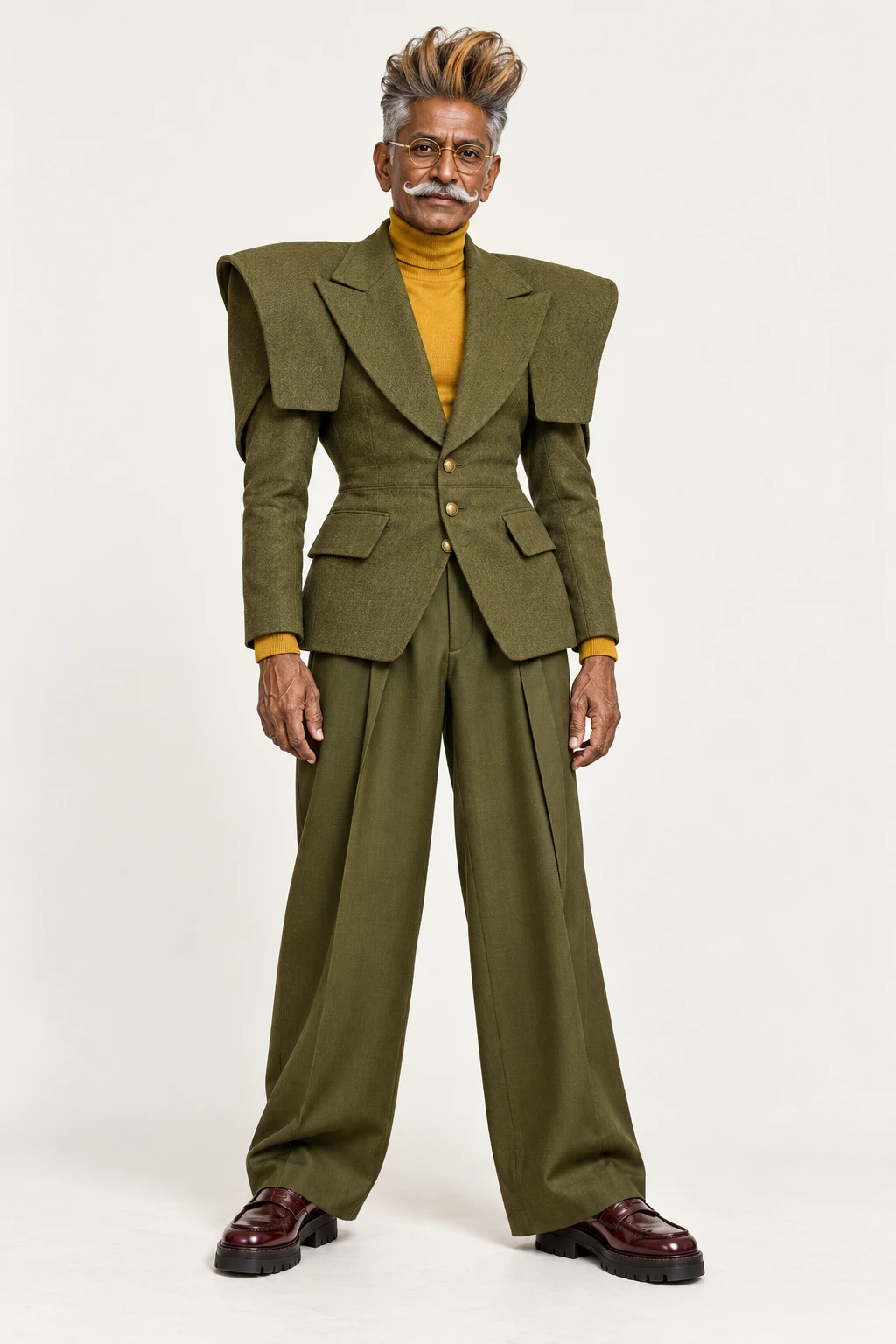
A template role reference showing one character. Your own two images should each show one clear subject.
You may use character images you have the rights to use, including fictional characters. Any real person depicted must be an adult who has explicitly agreed to the AI processing and intended scene. Make sure you have the rights to both images before proceeding.
Place your characters and create
- Add the first portrait for the male role in the reference and the second for the female role. Use Swap roles if you want to exchange the assignments.
- Review the sample, the requested output and the current price or credit cost. Choose a one-time pack or sign in to use available credits, as offered on the page.
- When you are ready, select Create video. Payment alone does not start generation. Follow the task on the page, then preview and download the finished video.
If the status is pending or uncertain, check the existing task before submitting again. A confirmed failed generation restores the applicable pack use or credits; check the page for current terms.
How much does it cost?
As checked on October 29, 2026, the Raindance page lists one-time packs of 1 video for $12.90, 3 for $29.90, or 7 for $59.90 USD, before any applicable tax. Packs are valid for 365 days and do not renew automatically. Prices and availability can change, so review the current terms on the Raindance template page before purchasing.
Common questions
Do I need a prompt or my own source video?
No. This is a fixed template: the source video and replacement instructions are supplied. If you want to use a different reference video, this particular template is not that workflow.
Will the video use my own voice?
The template requests the source sound; it does not promise a new voice based on your portrait. Check the completed video before sharing, and make sure you have the necessary rights for your intended use.
Is Videopogo the official Raindance artist app?
Videopogo is an independent creator tool. The video is synthetic and should not be presented as real footage or an endorsement by anyone depicted.
Working with a different scene
To bring your characters into a clip you provide, follow the guide to replacing people in a video. For help choosing between changing a face and recasting a performance, read Face swap vs Video Recast.
Make your Raindance video · For another two-character scene, explore Zombie Love Story.