
How to Make a Zombie Love Story AI Video with Two Photos
Turn two character portraits into a cinematic reunion with the Zombie Love Story template.
A familiar face in an unfamiliar world: Zombie Love Story begins with a tense cabin reunion and shifts to a warmer shared memory. Videopogo’s fixed template gives you the story and soundtrack; two character images give it a cast of your own.
Watch the reference and open Zombie Love Story
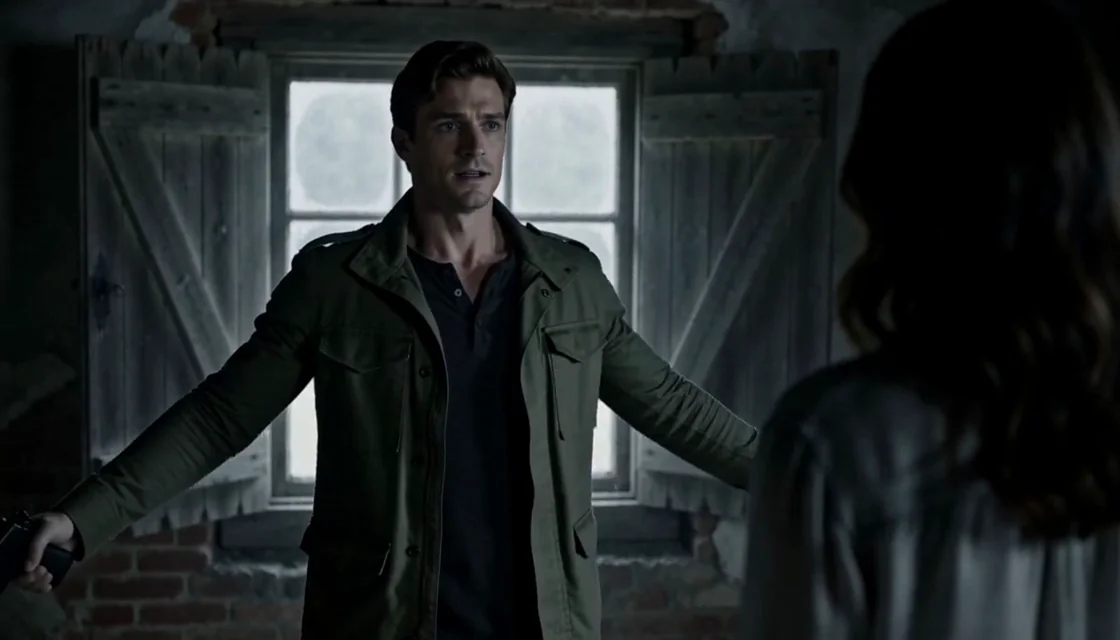
A frame from the template’s cabin scene. Watch the reference before assigning the two roles.
Choose the people in your story
The two roles are a husband holding a handgun and a wife who has turned into a zombie. Watch the 15-second reference first so that both participants understand the intended scene. The reference shows the story’s direction, not an exact guarantee of the final AI output.
Choose one individual image per role. Clear faces, even lighting and unobstructed features give the model more useful information than a distant group photo. Use fictional characters you have rights to use, or adult portraits with each person’s explicit consent to the AI processing and this scene.
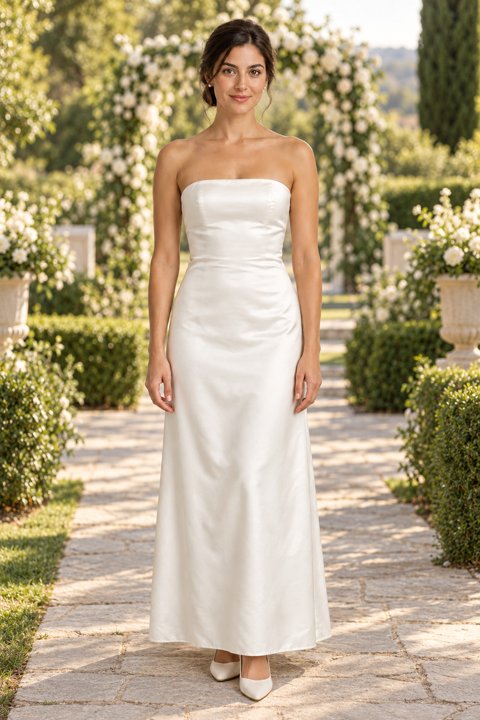
A template role reference showing one character. Use two separate portraits for your own cast.
Create your video
- Add one portrait for each role. Swap them if the characters are assigned to the wrong places.
- Choose 768p or 1080p, confirm your permissions and review the current pack price or credit cost.
- Choose an available one-time pack or sign in to use credits. Payment does not start the video: select Create video when ready.
- Follow the task, then preview and download the finished result on the template page.
If a submission is still processing or its status is uncertain, check the existing task before trying again. A confirmed failure restores the applicable pack use or credits; consult the current terms on the page.
What stays the same—and what can change?
The template guides the 15-second story and framing and is intended to use its original audio; the final audio may vary. Your photos guide the characters, while the generated result may differ in likeness, expressions, movement and details. The source film is a reference rather than footage of your chosen cast.
You do not need to write a prompt or upload a separate reference video for this guided template. If you want a different emotional direction, try the waterside Raindance tutorial or the shared performance in Hotel Lobby.
Choosing a different story
If you already have a clip for your own scene, start with the video character replacement guide. Read Face swap vs Video Recast to understand the differences in what each method changes.