
How to Make a Hotel Lobby AI Video with Two Photos
Prepare two character portraits for a shared Hotel Lobby AI performance and choose the right creation settings.
Hotel Lobby brings two character images into a shared performance in an orange studio. One portrait supplies each performer; the template supplies the stage and performance direction. Watch the reference before choosing your cast, then make a version that feels like yours.
Watch the sample and open Hotel Lobby
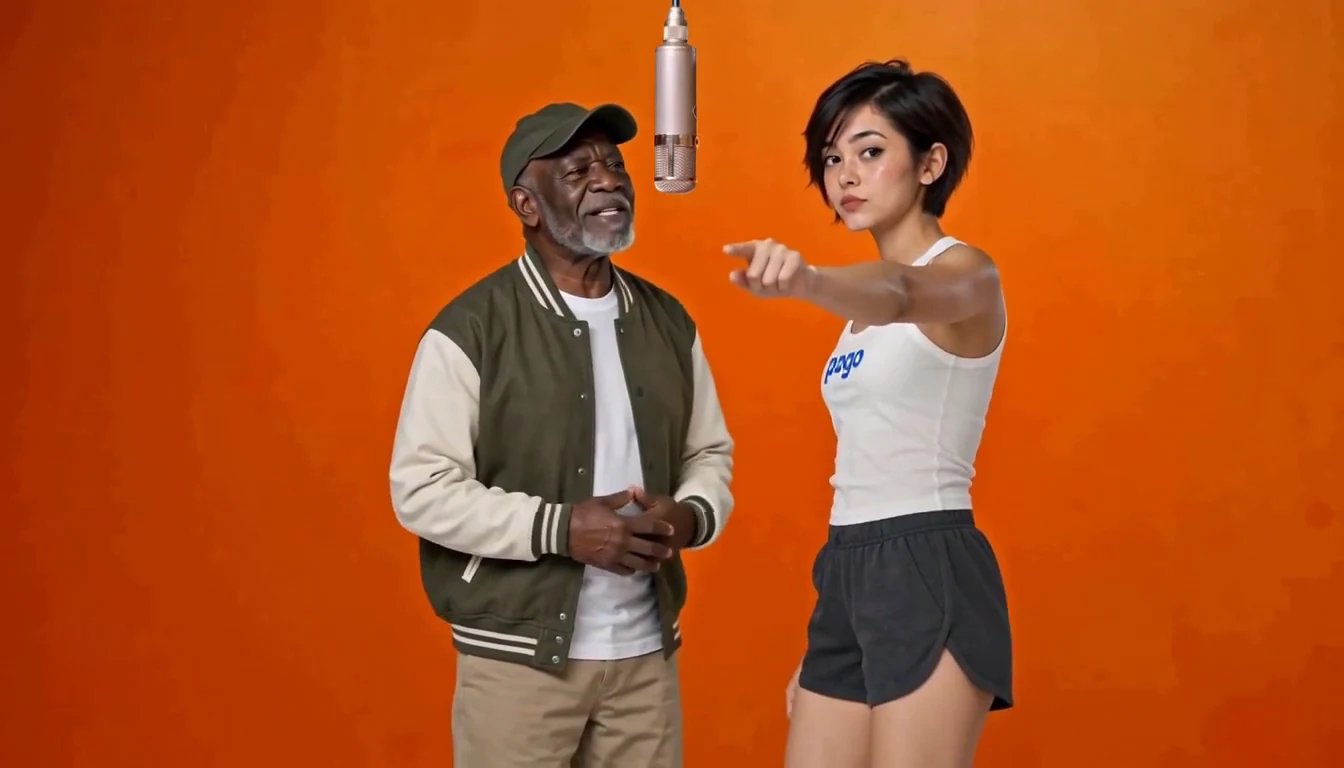
The Hotel Lobby sample shows the shared stage and performance before you choose your cast.
Prepare two portraits
Choose one character per image, with a visible face and even light. Avoid group photos, heavy filters and hands or sunglasses covering the face. The template accepts JPG, PNG or WebP images up to 8 MB each.
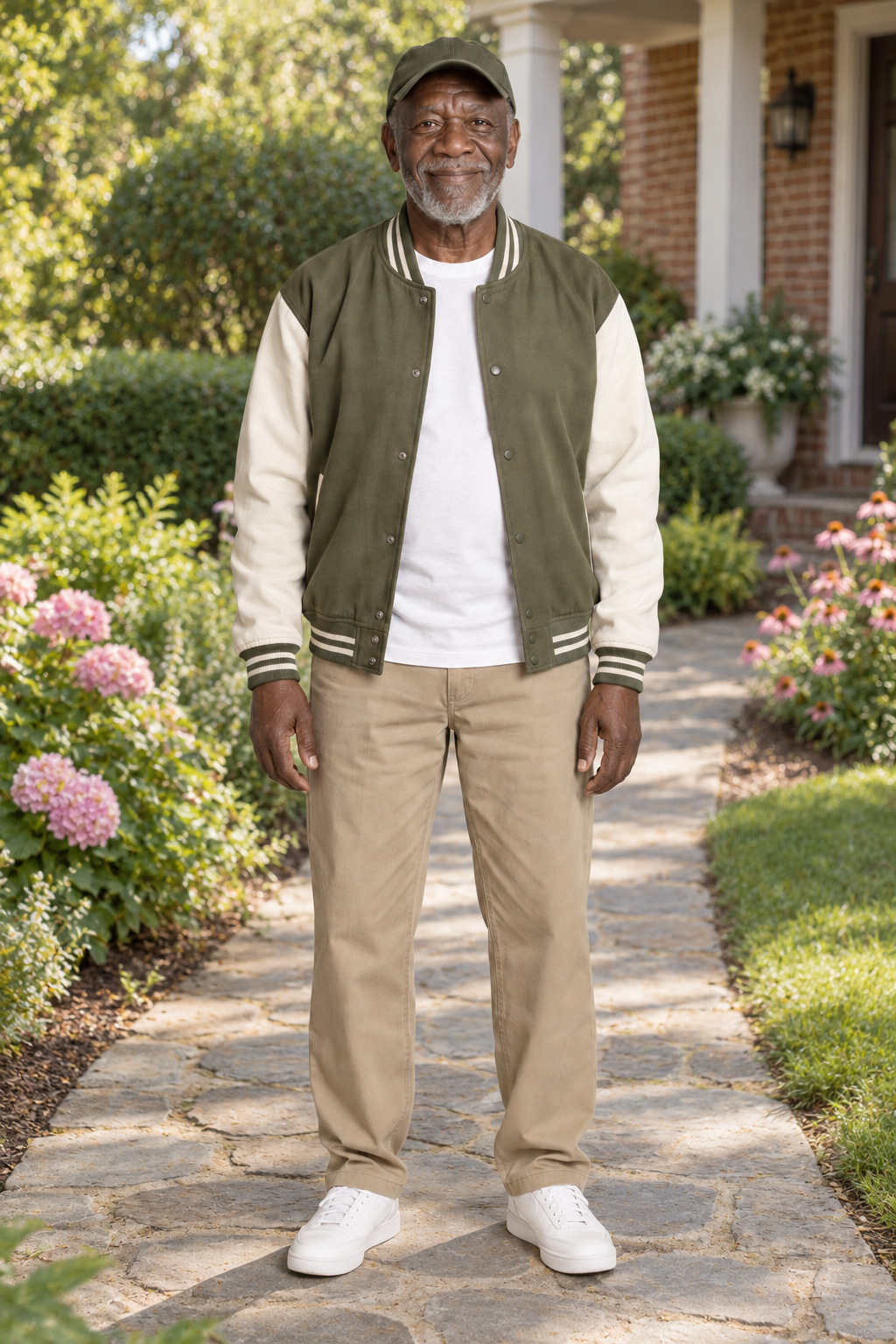
An example character portrait. Prepare a separate clear image for each performer.
Use character images you have the rights to use. Any real person must be an adult who explicitly consents to the AI processing and the intended performance. Ask both people before uploading their portraits.
Create a shared performance
- Add one portrait for the left performer and one for the right. Swap the positions if you prefer the opposite arrangement.
- Review the available duration, resolution and music settings on the page. The Normal option uses the template soundtrack; other available music styles guide newly generated audio.
- Confirm permission and review the displayed price or credit cost. Follow the page’s available payment or account options.
- Select Create video when ready. Payment alone does not start generation. Follow the task, then preview and download the finished result.
Current Hotel Lobby creations start directly from two photos, without a separate first-frame prerequisite. If you are returning to an older order, use the recovery flow: historical creations retain their original terms and may follow the earlier steps.
What should I expect from the result?
The example shows the stage and performance direction, not footage generated from your portraits. AI output can vary in likeness, gestures, timing and other details. Preview the completed video before sharing and check that you have the rights needed for the intended use.
If a submission is pending or its status is uncertain, check the existing task before starting another one. For an existing guest order, use the original browser or the private recovery link associated with the purchase.
Using your own performance clip
For a scene outside this fixed template, see how to replace people in a video. The Face swap vs Video Recast comparison explains how the two approaches differ before you prepare your photos and clip.
Make a Hotel Lobby video · For a more cinematic story with two characters, see Zombie Love Story.