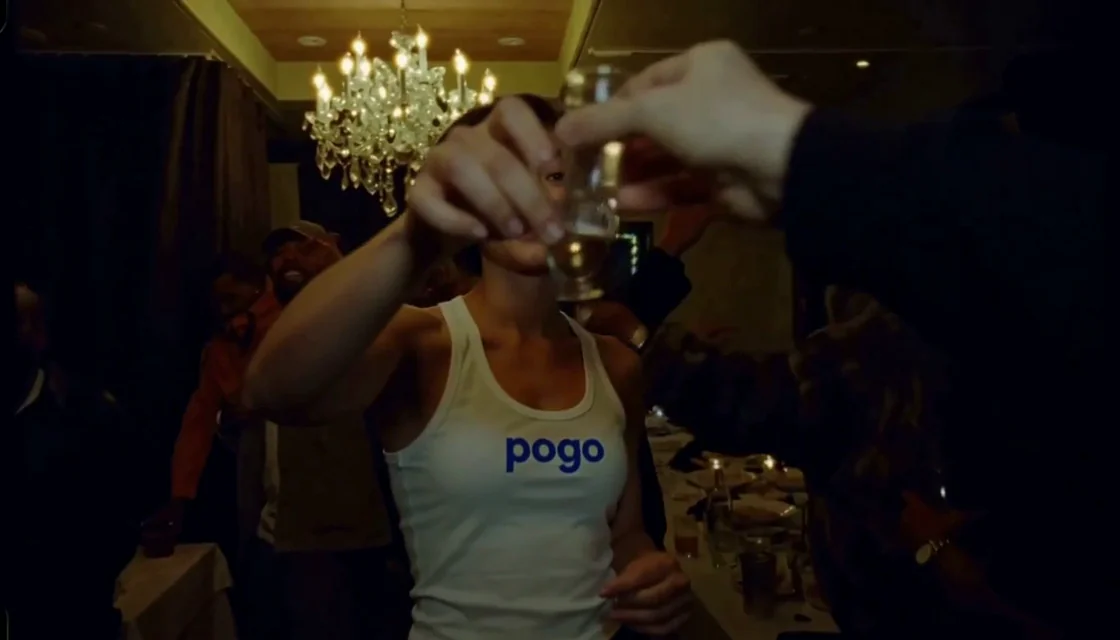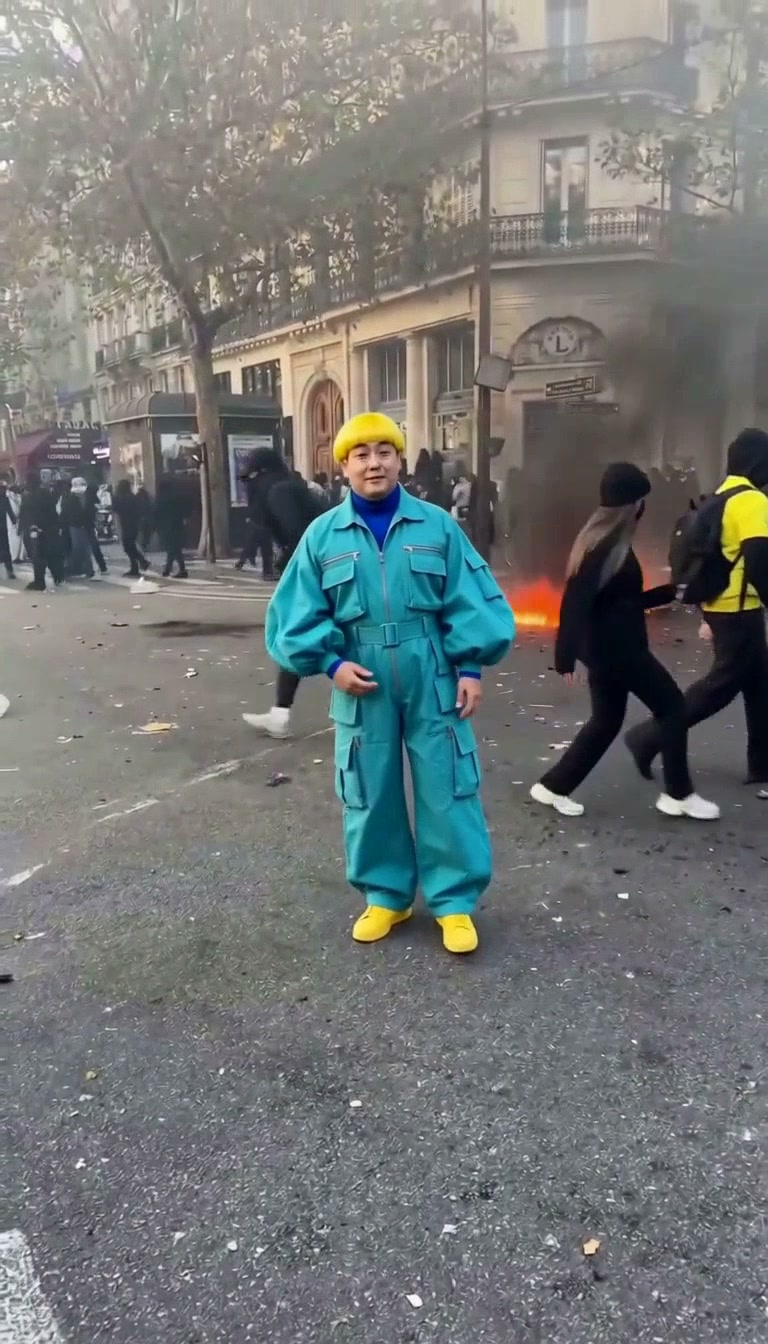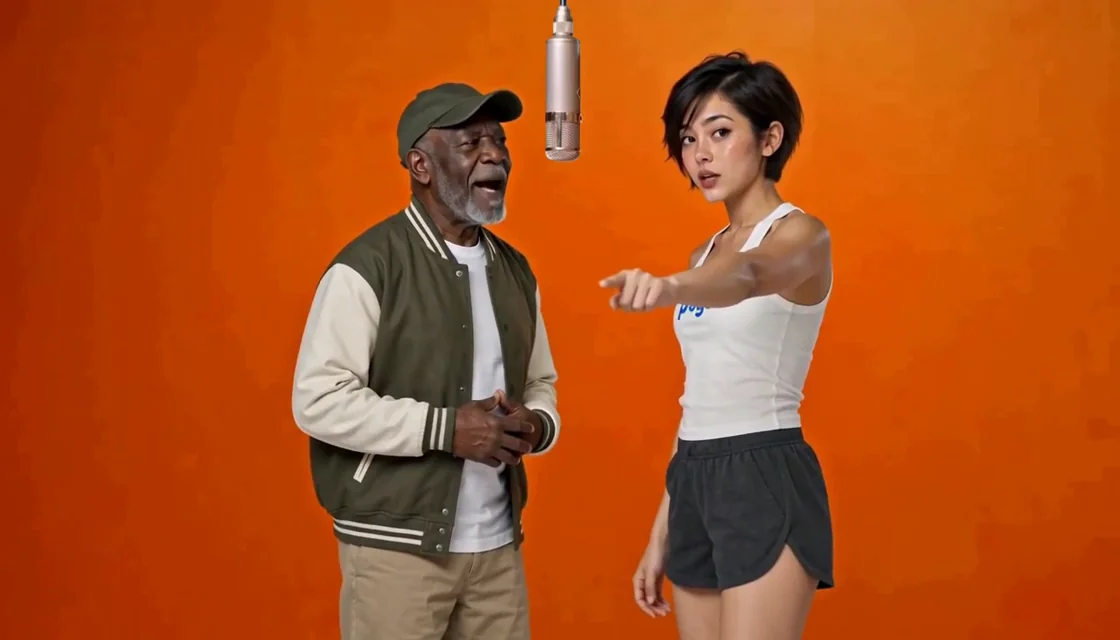
Cast one person from one photo
A sharp portrait with a clearly visible face helps the model identify the lead across shots.
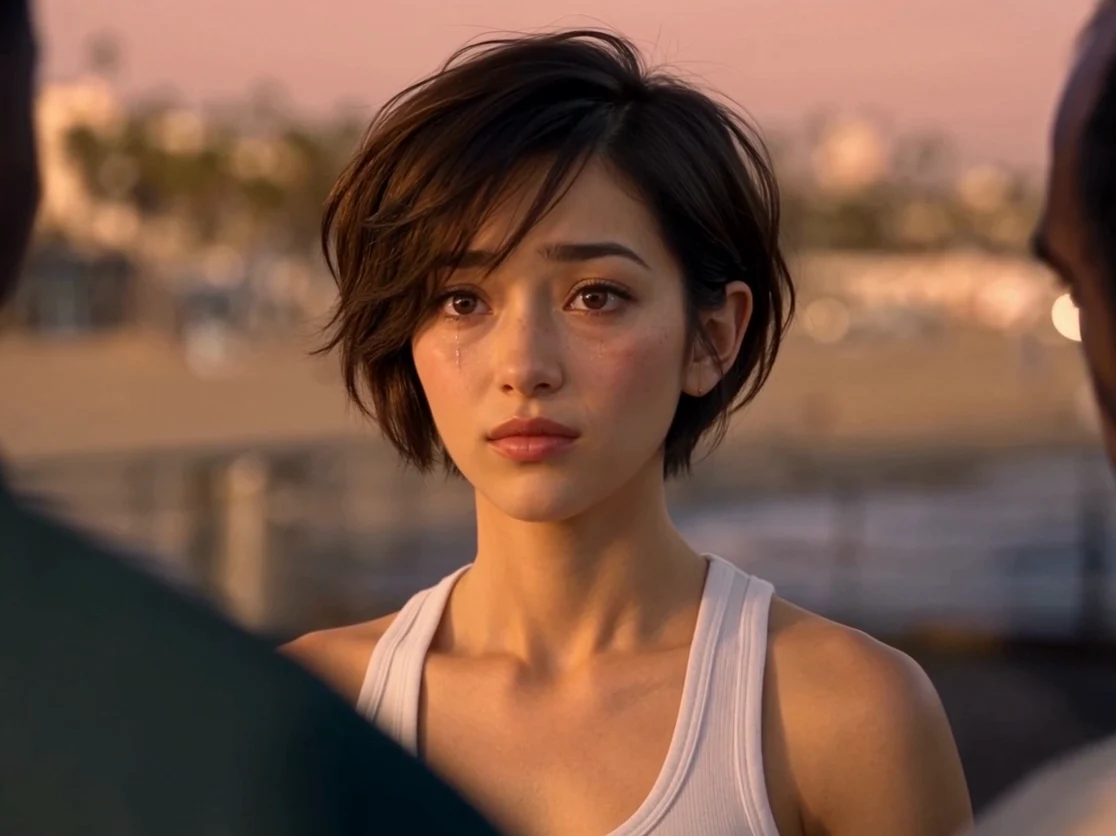 Watch the sample
Step into a neon-coast farewell scene with one portrait.
See how the lead appears in the farewell scene. To make your own video, add one portrait and the template supplies the fixed reference clip.
Back to workbenchGoodbye GTA is an AI farewell-video template from Videopogo. The template pairs a fixed reference clip with one portrait you provide. The clip guides the scene and pacing, and the portrait guides the lead character’s appearance.
A sharp portrait with a clearly visible face helps the model identify the lead across shots.
The workbench provides the fixed reference clip and generation settings. The portrait guides the lead’s appearance, and details may vary by generation.
Upload a photo at the top of this page and confirm you have permission to use it.
Review the duration and aspect ratio, then choose a resolution. Sign in to use the quoted credits, or choose a 720p video pack when checkout is available.
When generation finishes, check the video and audio in the result panel before downloading.
No signup needed. Pay once, then create your videos. 30 s · 720p · 4:3
$12.90
$29.90
$59.90
Each use includes one video at the duration and resolution selected above.
Use within 365 days of purchase.
Prices use your selected currency before tax. Pay once for a video pack, valid for 365 days with no automatic renewal. Each use creates one video at your chosen length and quality. A confirmed generation failure returns that use. After choosing a pack, check the price and availability shown on the page.
| Duration / resolution | 1 use | 3 uses | 7 uses |
|---|---|---|---|
| 30s / 720p | $12.90 | $29.90 | $59.90 |
You can also sign in to use account credits. The creation button shows how many credits your video needs. Video packs and account credits are used separately and cannot be exchanged.
You only need one clear portrait. The template supplies the reference video. Check the workbench above for availability.
The template asks the model to keep the original sound from the reference clip. The finished video may vary.
Choosing a photo updates the preview. Review your photo and cost, then select Create to submit the task.
Sign in to use account credits. The workbench shows the current credit cost next to Create. 720p video packs are for 1, 3 or 7 creations, with current prices and checkout availability shown on this page. After paying for a pack, select Create to start the video.
Goodbye GTA is an independent AI video template by Videopogo inspired by a cinematic neon coast.
Still have questions? Email us at support@videopogo.com
Pick a clear portrait and return to the workbench to review your materials and cost.
Back to workbenchA different scene. The same people you love.